Recently, I was tossing about the Baidu indexing problem of a WordPress site, and by the way, I experienced a new AI IDE in China, and recorded the process, hoping to help everyone.
Cause: Baidu Sitemap commit has been unavailable
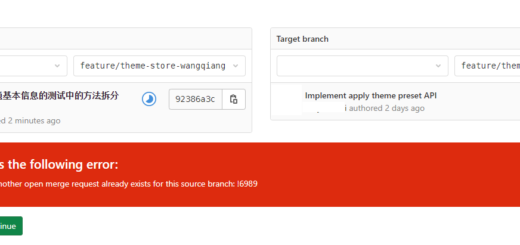
My website shuijingwanwq.com In the Baidu search resource platform, the Sitemap submission function has always been displayed:
Prompt ‘Because Baidu’s Sitemap is temporarily unavailable’. In other words, this road will not work from the beginning. No way, just go API active push this road.
My scenario: Gin + MySQL implements incremental commit
There are currently 1141 articles on the website (written in the Sitemap generated by WordPress), and about 100 new articles are added every year in the future. My needs are simple:
Push all the URLs in it through Baidu’s ‘Normal Inclusion – API Submission’ interface
Only pushNot submittedof (increment)
Requires a simple web interface that can manually trigger submissions and show which has been submitted and which to be submitted
Because Sitemap is in the ascending order of the release time, I have decided to use MySQL 8.0 to record the submitted URLs, and each time starts from the next item of the last submitted record, the logic is clear.
Select AI Programming Tools: My Tangles and Final Choices
As a back-end development (go/php mainly, occasionally writing to the front-end), I usually rely heavily on VS code, but the free quota of GitHub Copilot is too small, and it is always a fight with Tongyi Ling code. I hope to find oneNo Copilot Residue, Built-in Top Model, Domestic Payment Conveniencethe AI IDE.
I researched around:
Tool
Characteristic
payment method
Whether it is independent IDE
cursor
Best experience, built-in Claude/GPT-4O
$20/month, international credit card required
Yes (based on the VS code branch)
Tongyi Spirit Code
Produced by Ali, Java/GO is friendly, there are independent versions
Personal Basic Edition Free, Professional Edition ¥59/month
Has an independent IDE
codegeex
Zhipu open source, private deployment, completely free
FREE
Plug-in main, no independent IDE
trae
Produced by ByteDance, the domestic version has a built-in domestic model, and the international version has a built-in Claude/GPT-4O
The domestic version is free to use Solo mode; the international version is $10/month, supports Alipay
Yes (independent IDE)
Considering that I am used to the VS code keys, I hope to say goodbye to Copilot, and I want to have a built-in Claude-level model,Ultimately chose the TRAE domestic version—— Anyway, the built-in bean bag, Tongyi Qianwen, and deepseek in the domestic version are completely enough to deal with this project. The international version of payment requires a credit card or paypal. I didn’t try it. If I really want to use a foreign model in the future.
Install the TRAE domestic version: stepping on two pits
Pit 1: I downloaded the ARM64 version, and the dependency reports an error
I open trae.cn On the first page, click ‘Download TRAE IDE’, and the browser automatically downloads a file. I didn’t pay much attention to the file name, so I opened it with the system software installer, and the result was a long list of missing dependencies:
依赖: libasound2 (>= 1.0.17) but it is not installable
依赖: libgtk-3-0 (>= 3.9.10) but it is not installable
...
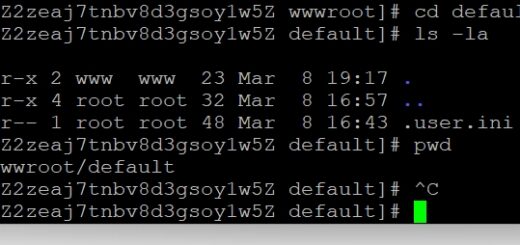
I checked it, I downloaded it trae_cn-linux-arm64.deb. Check the system architecture again:
dpkg --print-architecture
# 输出 amd64
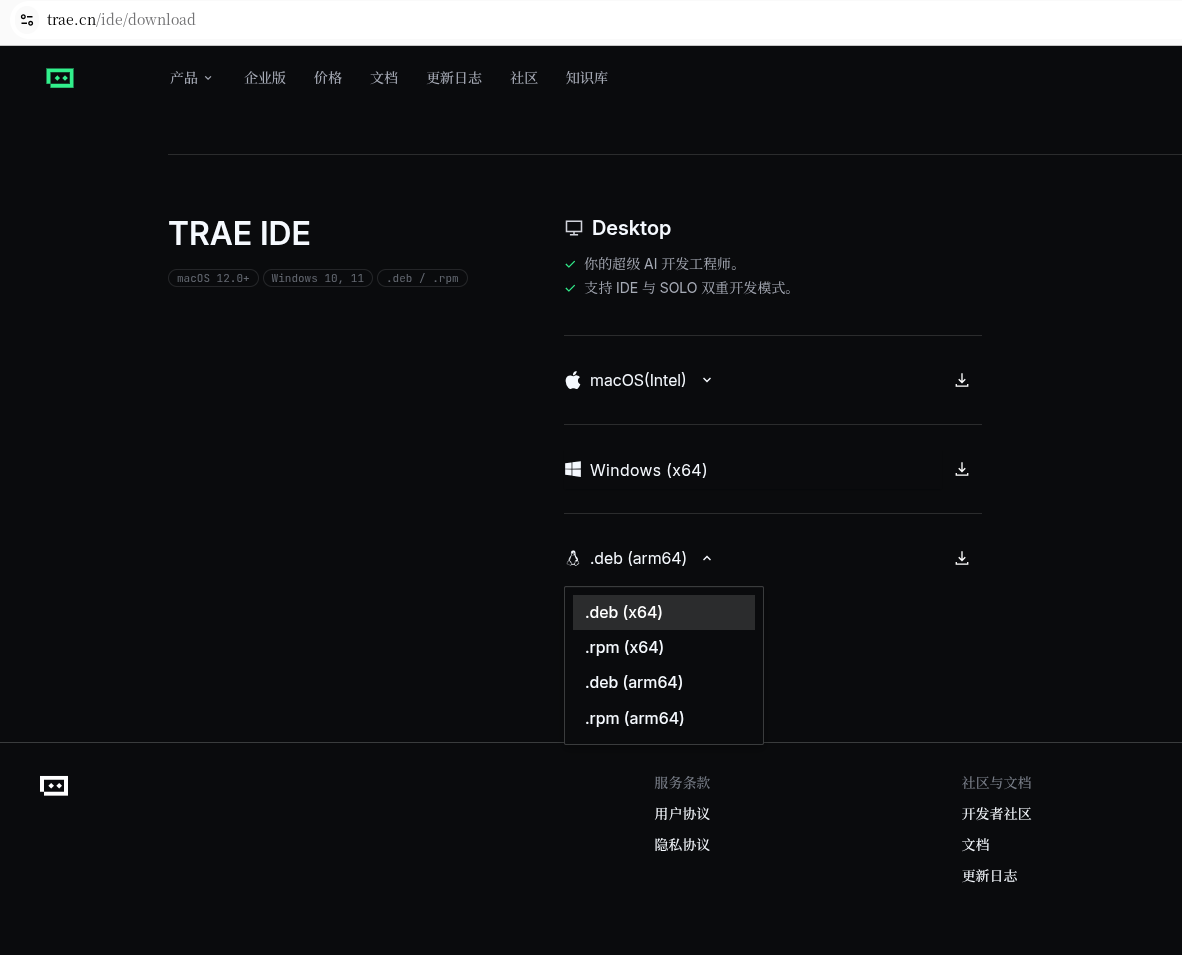
Mine is x86_64 Ubuntu, but I downloaded the ARM package. Later, I went to the official website to manually select trae_cn-linux-x64.deb Re-download (as shown in Figure 1, Figure 2).
Figure 1: The download page shows the .deb (x64) option
Figure 2: The downloaded file trae_cn-linux-x64.deb
Pit 2: Login has been stuck in browser loading
The installation went well this time. After opening, the software asked me to choose the editor configuration – I chose VS Code, and there is another editor (I can’t remember the name), and then click ‘Personal User’ to log in.
The browser pops up, but it keeps loading in circles, and the authorization cannot be completed.
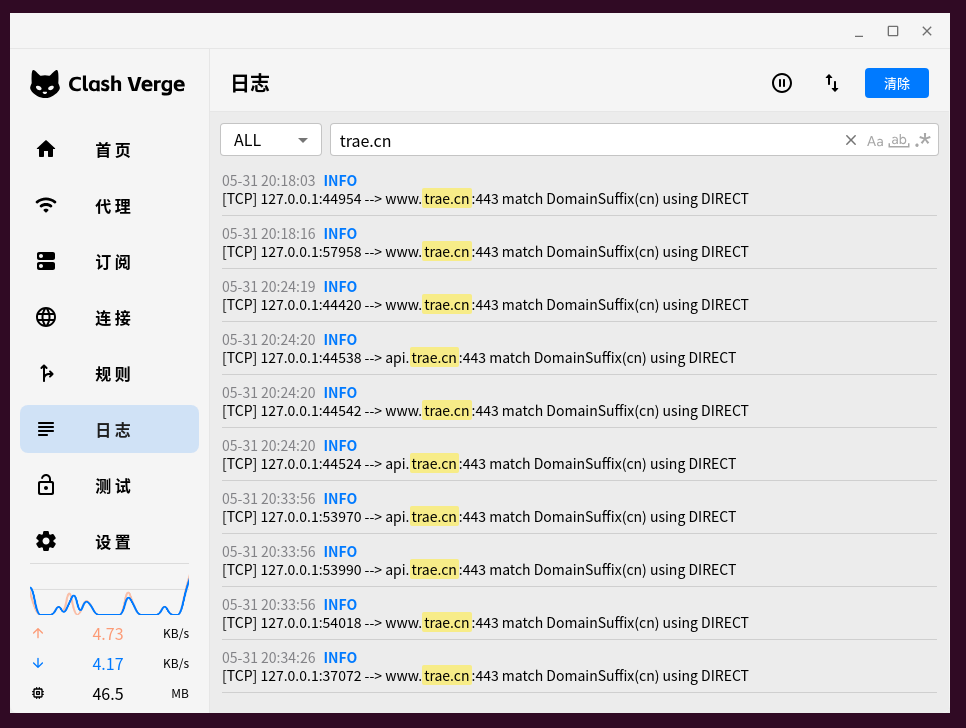
My VPN is on and the node is in Los Angeles, USA. Although it has been put in VPN trae.cn Set it to direct connection, but there seems to be a problem.
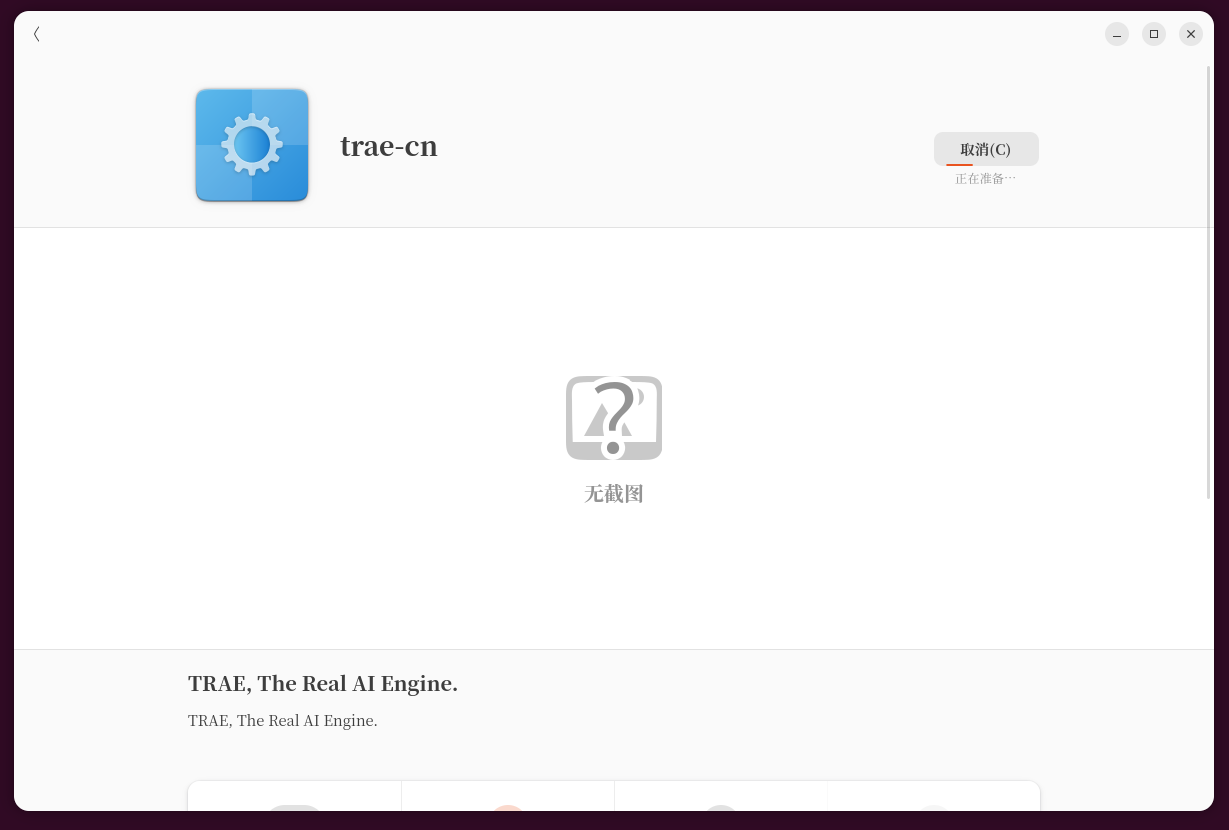
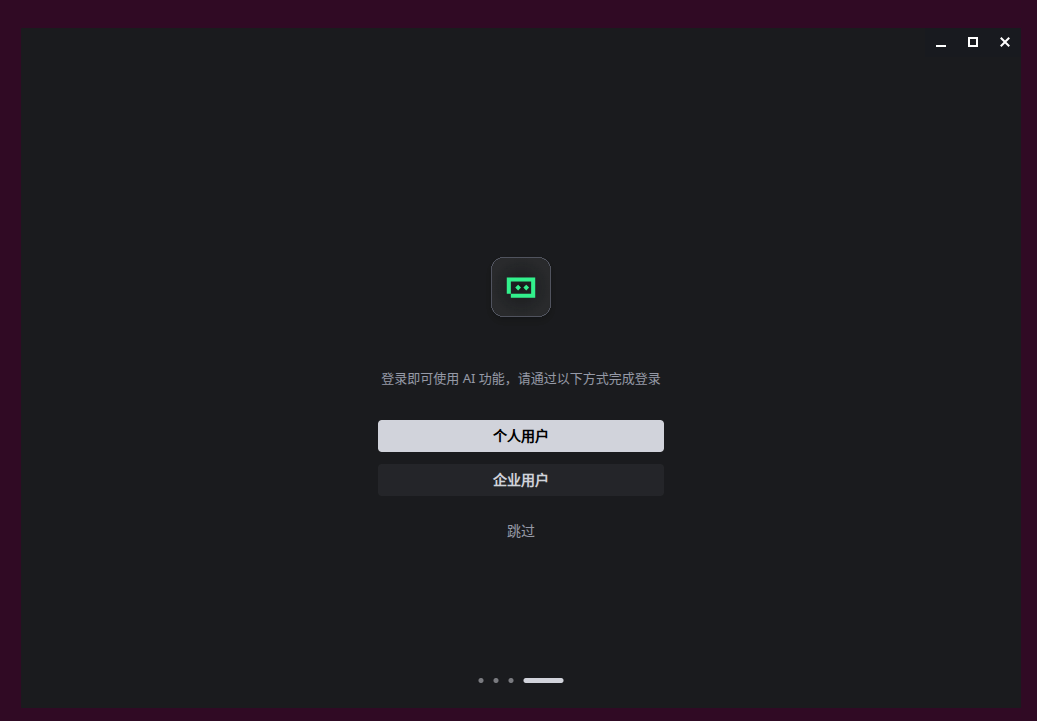
Later IJust click ‘Individual User’ again, reopened the browser login page. Tried it about three times, and suddenly it was fine. The browser will pop up the authorization page normally, and the scan code is successfully logged in (as shown in Figure 3 and Figure 4).
Figure 3: Starting TRAE
As shown in Figure 4: Login interface, personal user login
I didn’t delve into the reason. Maybe the first time the request was stuck on the network, it will work after a few more attempts.
Enter IDE mode, ready to start work
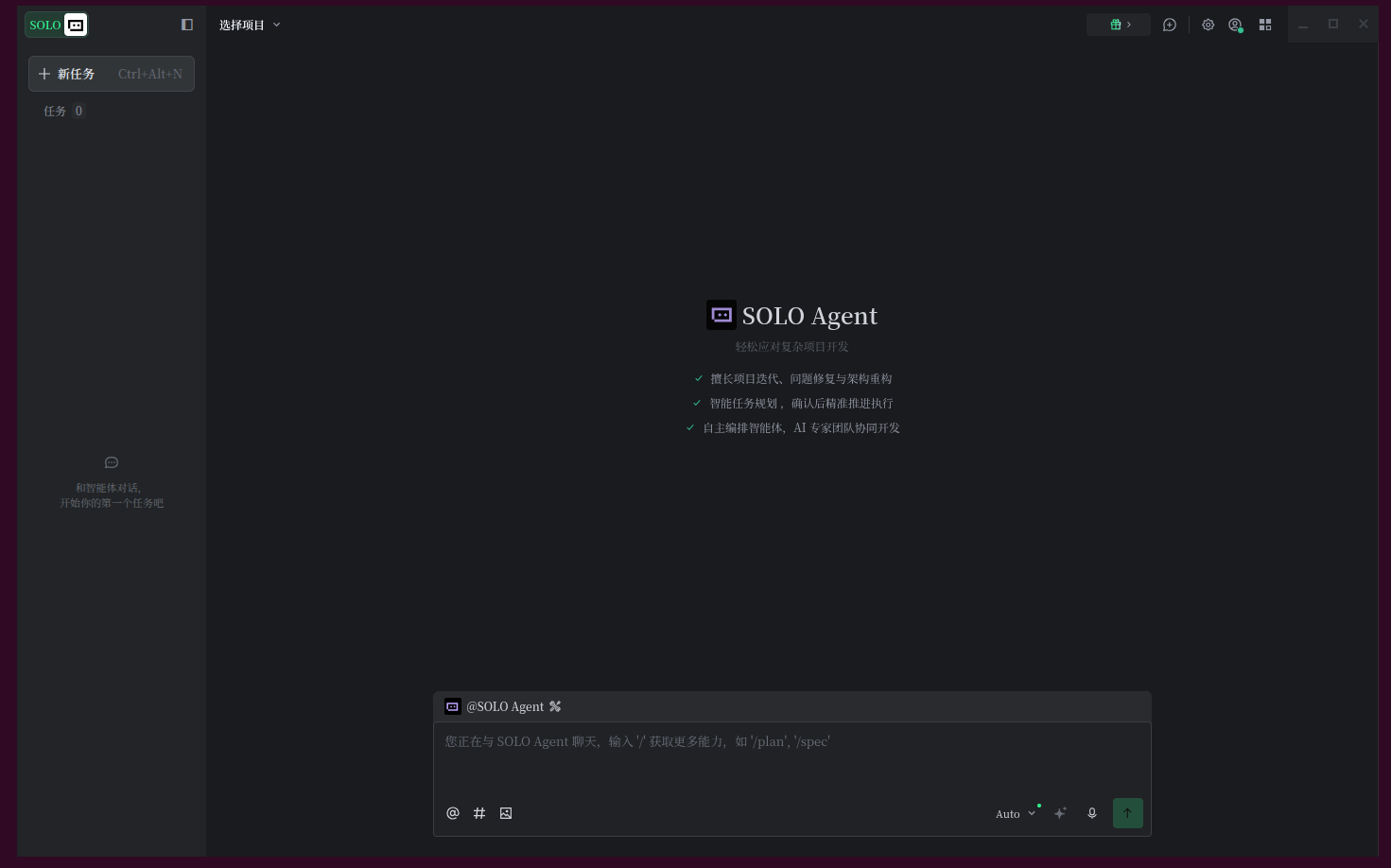
After logging in, you can choose the mode at the bottom of the interface:IDE Or solo. I’m used to writing code by myself, but I just use AI as a strong completion and Q&A assistant, so I use it first IDE mode(As shown in Figure 5).
As shown in Figure 6: Solo mode welcome interface, I switched to IDE
The next step is to write code to implement specific functions. When I finish writing the whole tool and run it through, I will write an article to share the specific code implementation and step on the pit.
Summary
After tossing around, I finally got the development environment done. Review:
Baidu API active push is an alternative to when Sitemap has been unavailable.
For small and medium-sized projects, the MySQL record has been submitted in url + scan in increments of order, which is completely enough, and there is no need to use redis.
The domestic version of the AI programming tool is more and more abundant. The domestic version of TRAE is free and supports domestic models, which is very friendly to individual developers.
When installing, pay attention to the system architecture (AMD64 VS ARM64), and if you are stuck when logging in, click ‘Individual users’ to re-trigger the browser authorization several times, which can often be solved.
If you are also using TRAE or other AI IDEs, welcome to communicate~