

Introduction
In WordPress website development, WPCode is indeed a powerful code management tool. However, I believe that many developers have encountered such a headache: the PRIORITY settings have been adjusted, but the insertion sequence of code fragments is still not as expected. Today I want to share a real situation I have encountered recently, and explain the reasons and solutions behind this problem in detail.
problem
Initial configuration
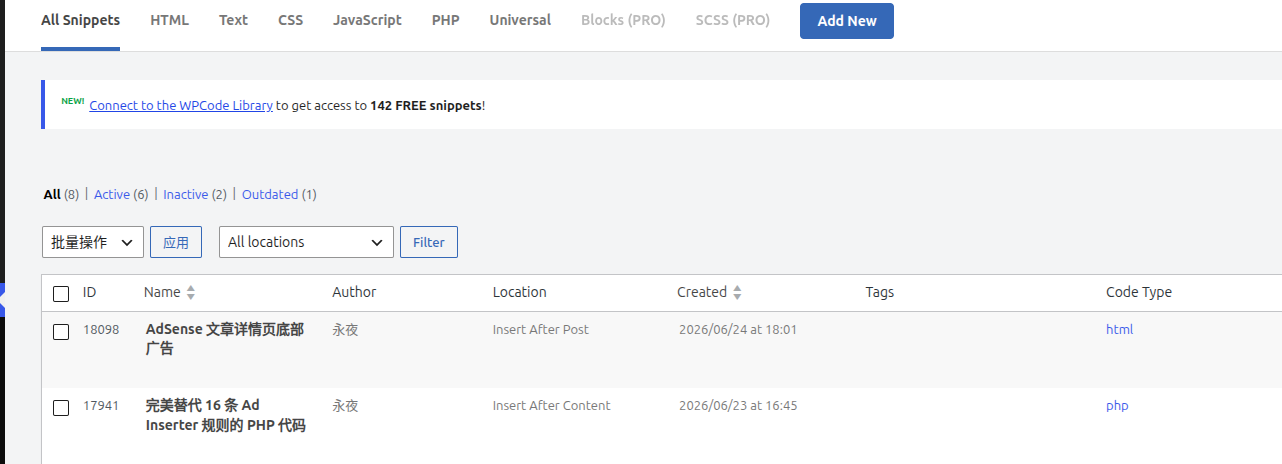
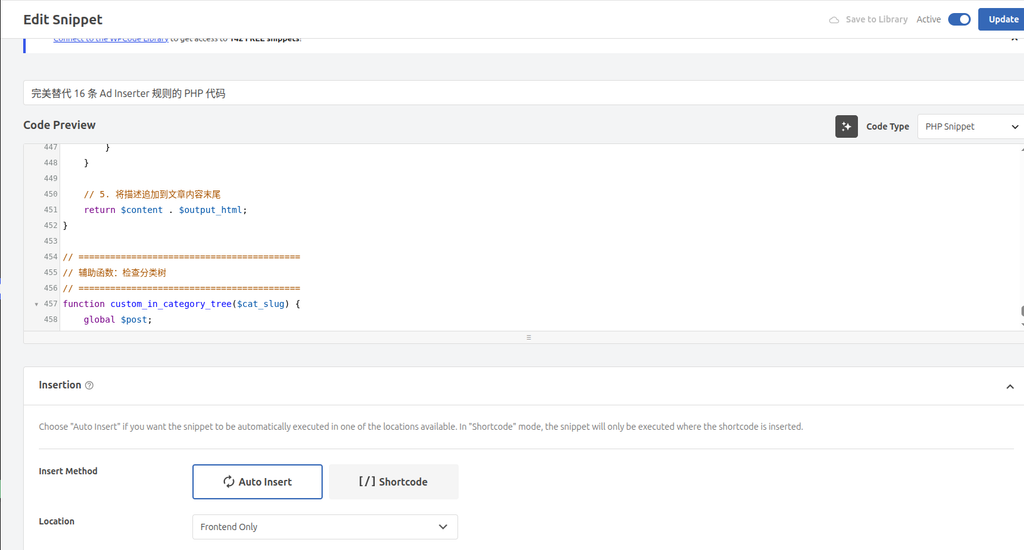
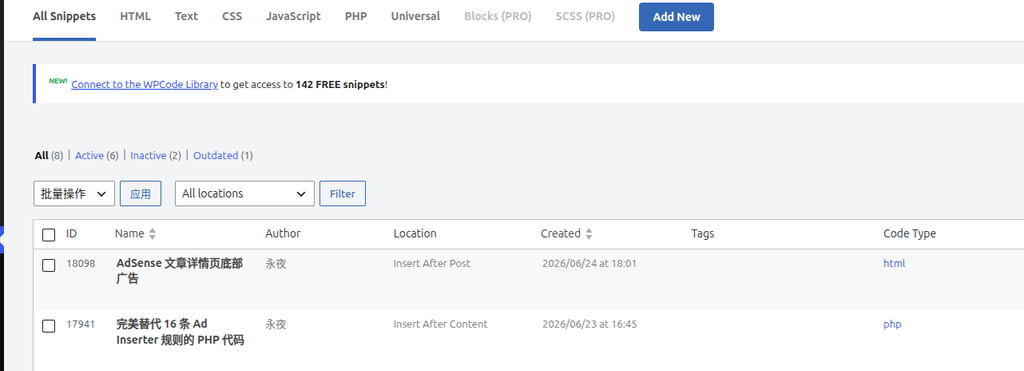
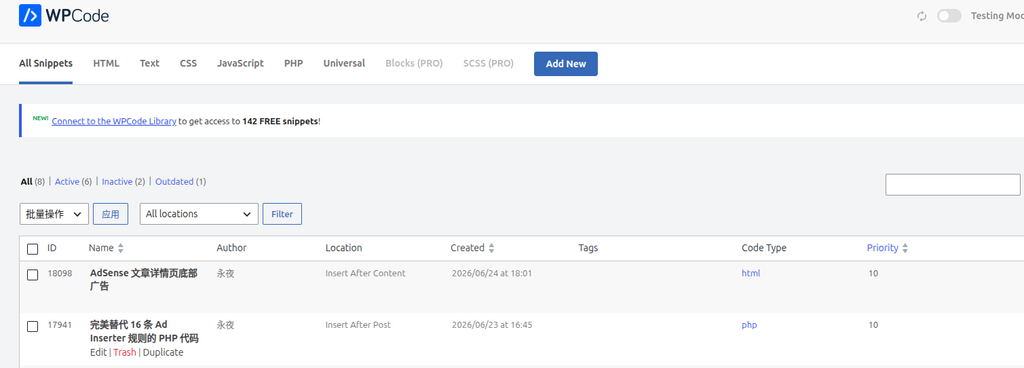
- Ad code snippet: Location is set to ‘insert after post’, and the priority is 10
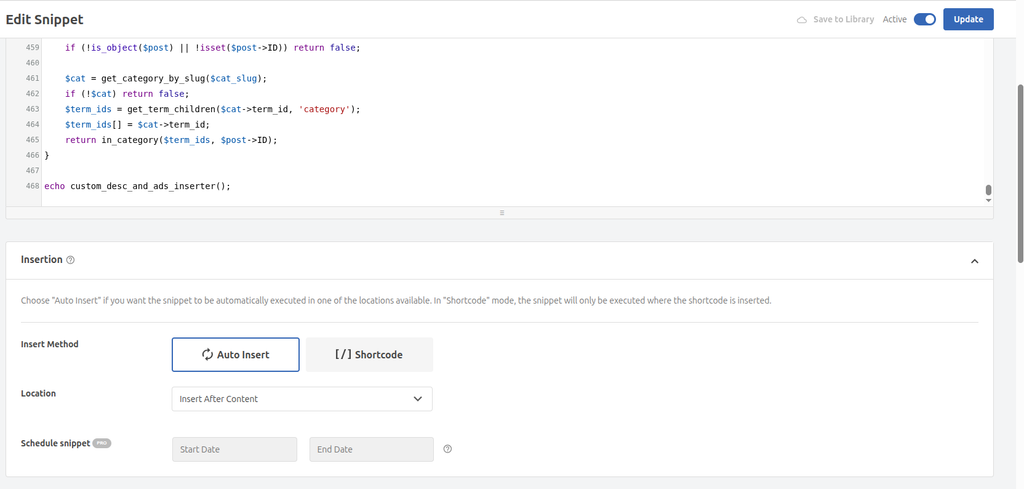
- Custom description code snippet: Location is set to ‘insert after content’, and priority is 10
problem manifestations
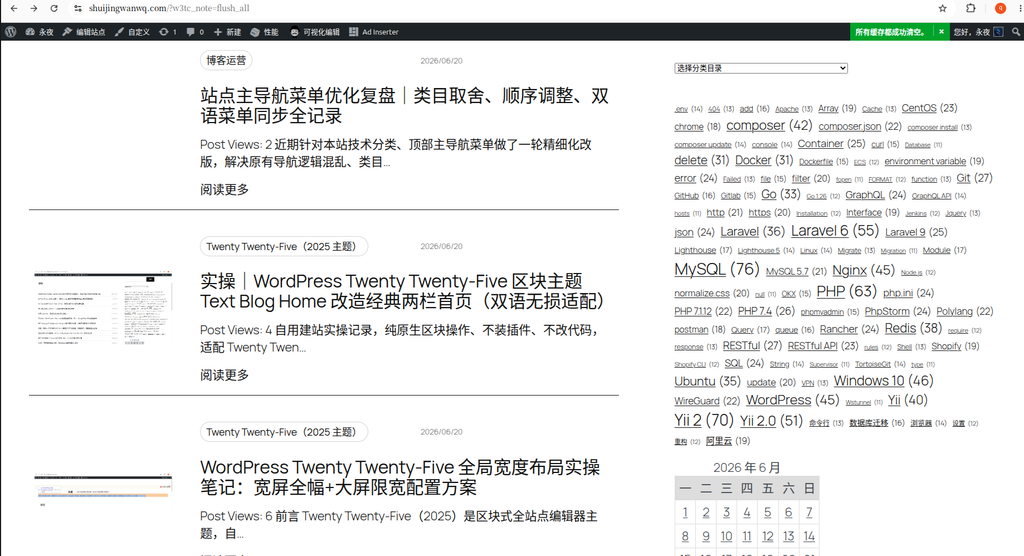
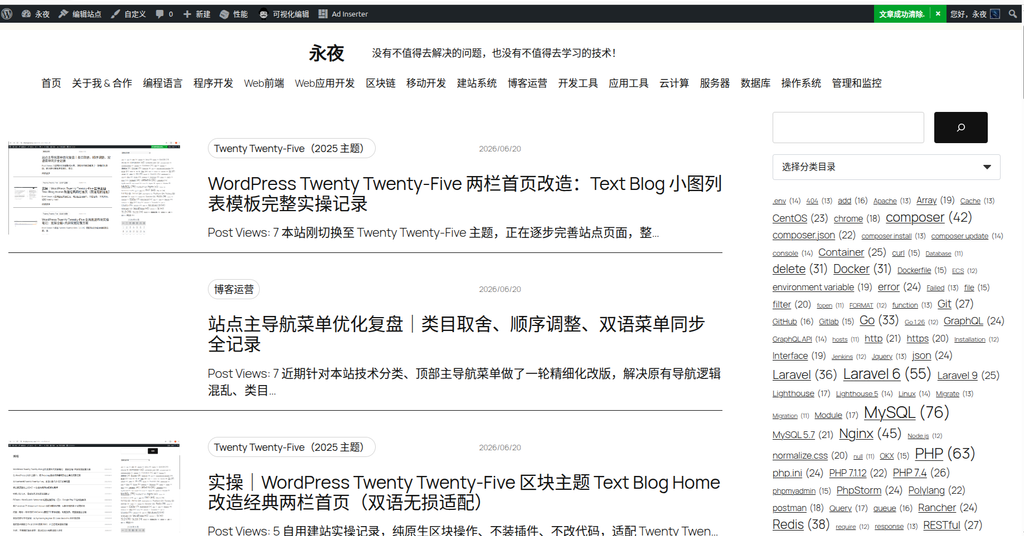
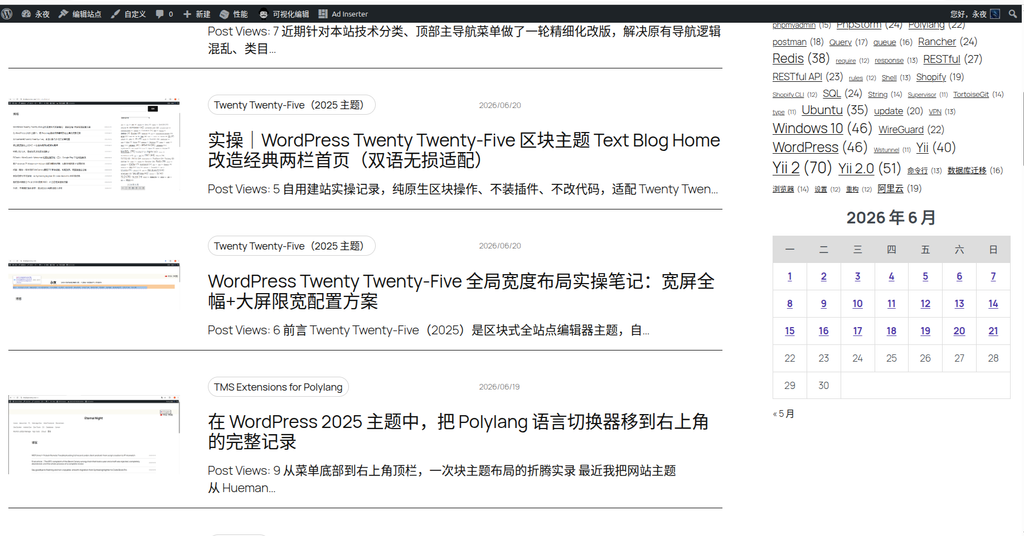
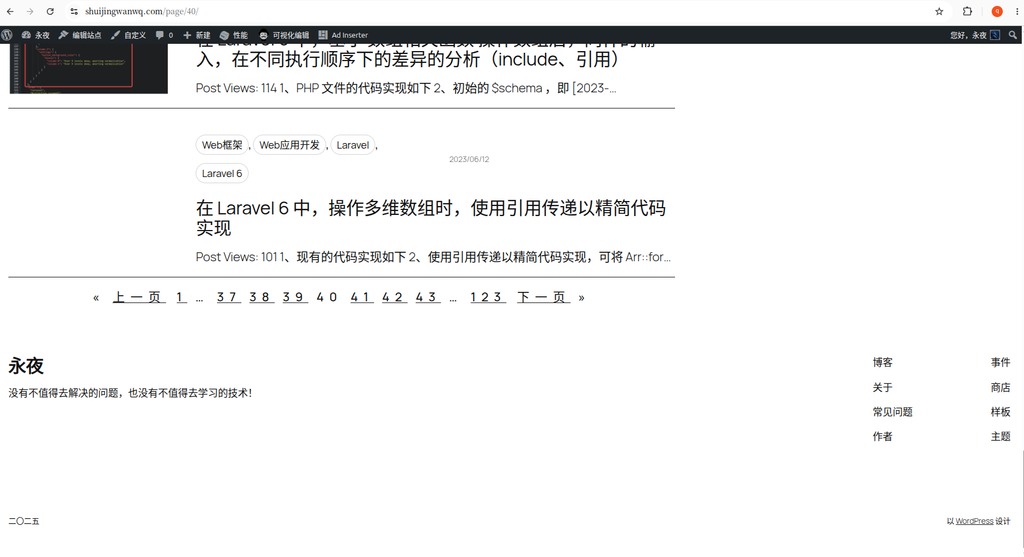
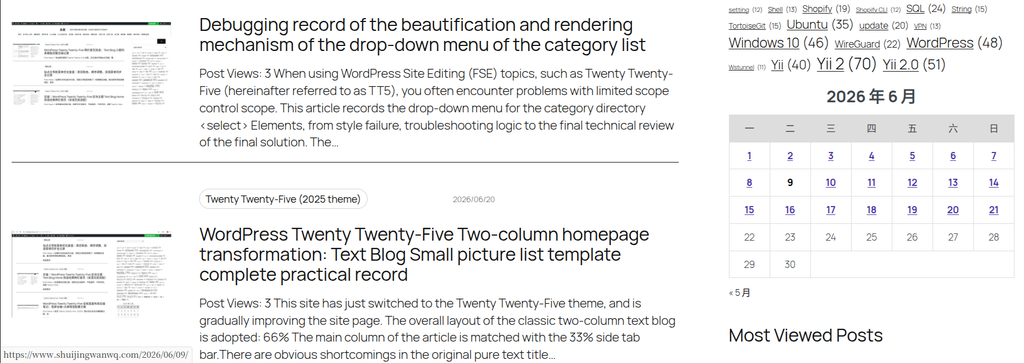
- The order displayed on the page is: the custom description is below, the ad is above
- This is not the display order I want at all!
Try a solution
- My first reaction at the time was to adjust the priority, I thought this should solve the problem
- It turns out that the priority setting has no effect at all
- In the end, there is no way, I can only bite the scalp and change the location settings:
- Ad code snippet: Change location to ‘insert after content’
- Custom description code snippet: Change location to ‘insert after post’
Final outcome
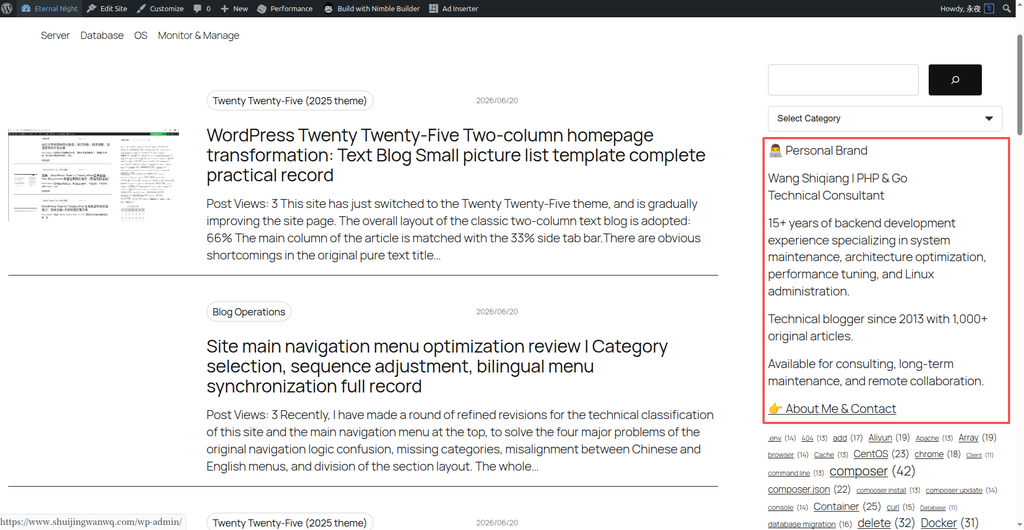
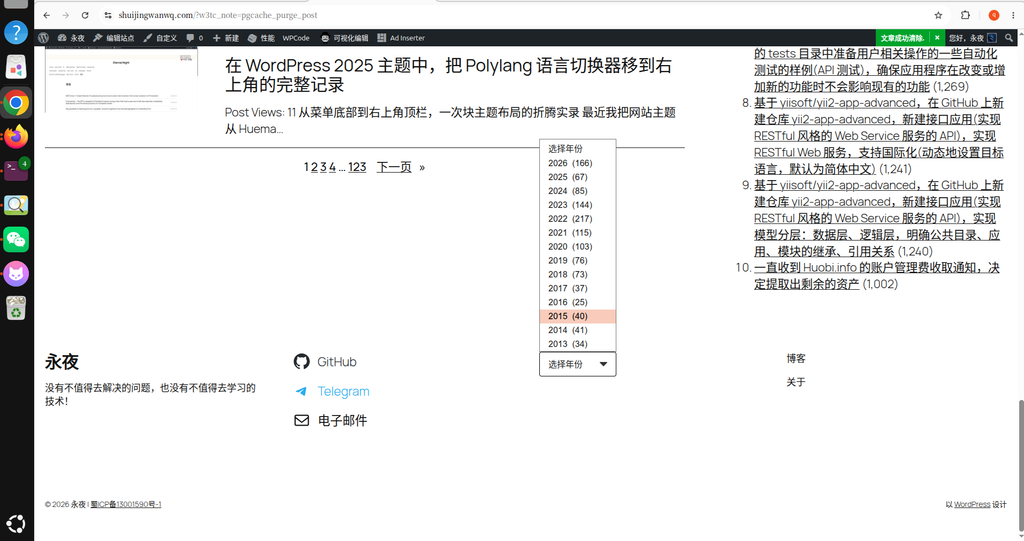
- The order displayed on the page is finally correct: the custom description is above, the ad is below
- Finally realized the display order I hoped for!
Practical discovery: the gap between theory and reality
Actual Behavior of Insertion Location
I also initially thought that the insertion position of WordPress follows this theoretical hierarchy:
文章结构:
[文章标题]
[文章内容]
  └── Insert After Content (在内容后)
[文章页脚/元数据]
└── Insert After Post (在整个文章后)But in practice, it has been found that the actual situation may be more complicated:
- The display order of ‘insert after content’ and ‘insert after post’ may be the opposite of theoretical expectations
- This may depend on the topic’s output, the intervention of other plugins, or differences in WordPress versions
Possible cause analysis
- Differences in theme templates:
- Different topics may have different definitions of ‘content’ and ‘article’
- Some topics may output a footer immediately after the content, while some are handled separately
- Intervention of other plugins:
- Other plugins may have used these insert locations
- Interaction between plugins may cause sequential changes
- WordPress version differences:
- Different WordPress versions may have different handling of insertion locations
Solution: Experience in Practice
Prioritize location adjustments
Based on my practical experience, when encountering insertion order problems:
- Don’t rely on priority:
- Priority is only valid in the same location
- Priority settings are usually invalid when locations are different
- Directly adjust the location:
- If A needs to be above B, try setting A’s location to ‘Insert After Content’
- Set B’s location to ‘insert after post’
- Or, in turn, adjust according to the actual effect
- test verification:
- After each adjustment, you must verify the actual effect on the front-end page
- Don’t rely solely on theoretical expectations
practical application advice
Best practices for ad configuration
- Ad code snippet:
- location: insert after post (make sure at the bottom of the page)
- Priority: 10 (the default is usually enough)
- Custom description code snippet:
- location: insert after content (after content, before advertising)
- Priority: 10 (priority doesn’t matter if there is only one such fragment)
verification method
- Check the code snippet list of wpcode and confirm that the location setting is correct
- View the actual insertion order on the front-end page
- If necessary, adjust the location instead of priority
Summary
The insertion order of WPCode’s code snippets is mainly determined by location, not priority. This experience taught me an important lesson: when configuring the WPCode code snippet, you should first pay attention to the location setting, and only need to consider priority in multiple fragments of the same location.
More importantly, there may be a gap between theory and practice, and practical testing and verification are the final solutions. I hope that my practice sharing can help developers who encounter similar problems and avoid taking the detours I have taken!
Technical Blog Growth & Monetization Consulting
I have been running my personal technology blog for more than 10 years and have published over 1,000 original articles covering WordPress optimization, multilingual websites, Google SEO, content strategy, and website monetization. All insights shared on this site come from real-world operation and long-term experimentation. If you are building a blog, developer website, SaaS project, or content-driven platform, I would be happy to share practical experience and optimization suggestions.
Ideal For:
✅ Technical bloggers
✅ Independent developers
✅ SaaS website owners
✅ Content creators seeking organic traffic growth
✅ Website owners interested in monetization opportunities
What I Offer:
✅ WordPress Performance Optimization
✅ SEO Consulting
✅ Multilingual Website Setup
✅ Ad Revenue Optimization
✅ Blog Growth & Monetization Consulting
If you would like to discuss your website, traffic growth strategy, or monetization opportunities, please contact me and mention: Blog Growth Consultation.
Contact Me:
Telegram: @shuijingwan
WeChat: 13980074657
Email: shuijingwanwq@gmail.com
Leave a Reply