
![[截图 5:扩展显示“用户已全局禁用此扩展”及右键菜单]](https://www.shuijingwanwq.com/wp-content/uploads/2026/06/5-14-1024x767.png)
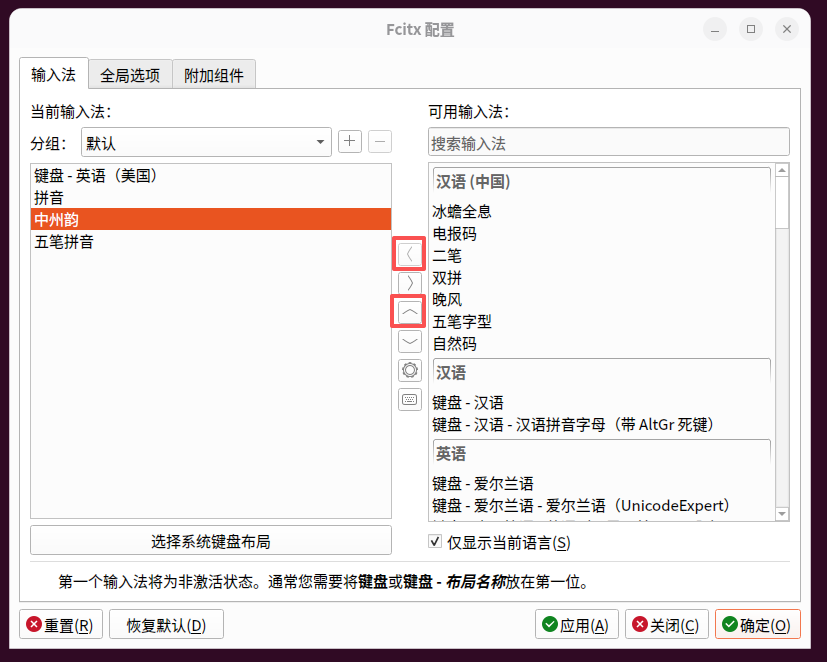
🧭 1. Background: The Linux desktop is starting to have problems with stuck and OOM
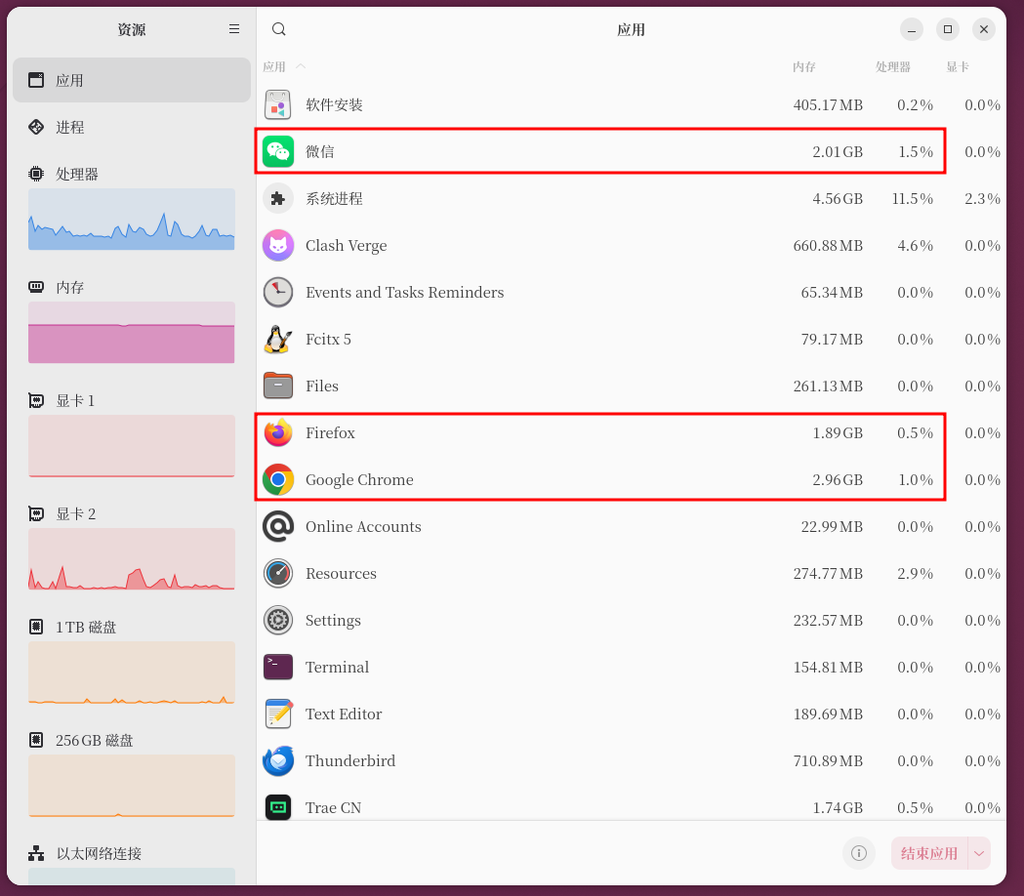
During the daily use of Ubuntu 26.04 LTS (ThinkPad T570), the following problems gradually arise:
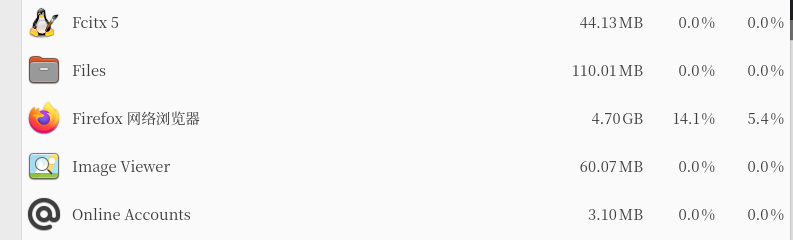
- Firefox is occasionally stuck and even forced to shut down by the system
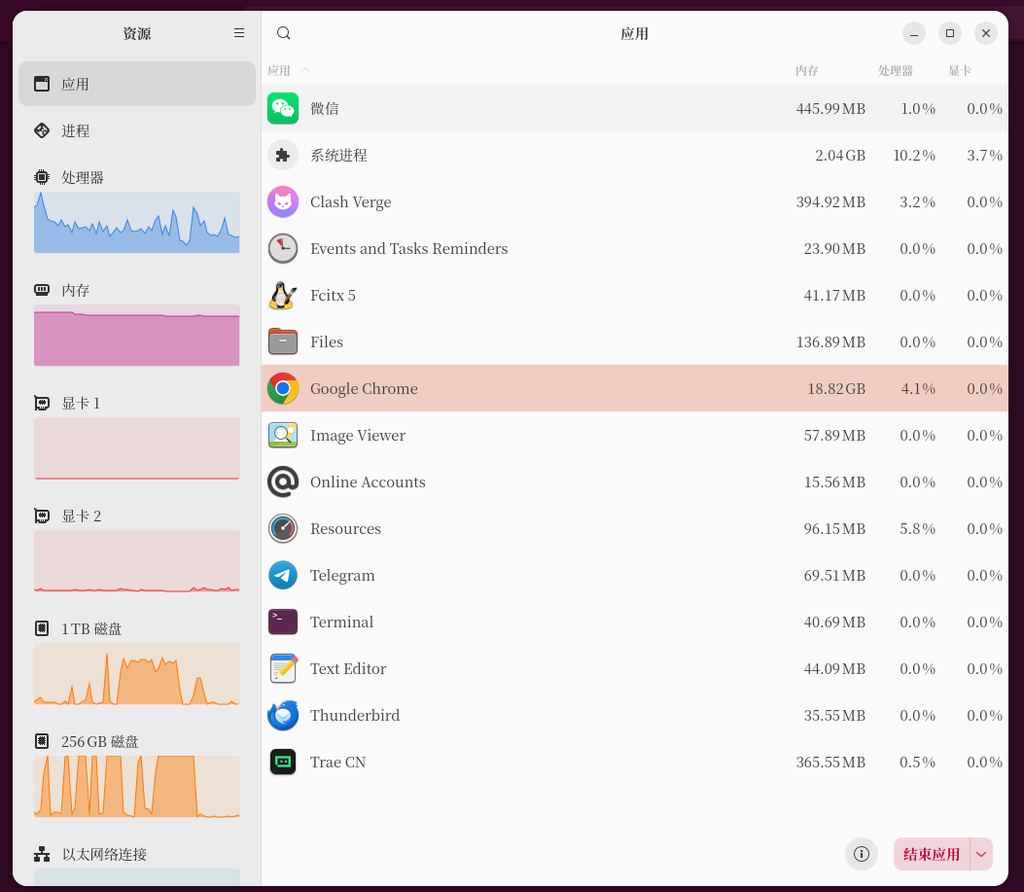
- Clash Verge memory usage continues to grow
- Gnome Input delay, window freeze
- The system is unstable at the same time when multiple applications are running at the same time
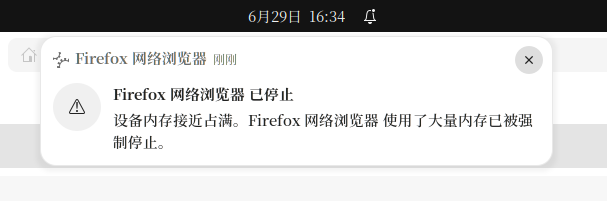
The initial judgment is:
🧠 Memory scheduling + Swap policy + Electron application overlays cause high system pressure
⚙️ 2. Optimization goals
This optimization goal:
- Improve desktop stability
- Reduce memory peak impact
- Optimize VPN + browser concurrency scenarios
- Reduce Oom Killer trigger probability
🧩 3. Basic system information
Equipment environment:
- ThinkPad T570
- Ubuntu 26.04 LTS
- Gnome Wayland
- Firefox + Clash Verge resident
Memory configuration:
- 16GB RAM
- swap.img 4GB
- ZRAM 7.4GB
🛠️ 4. Core optimization process
🧊 1. Install ZRAM (improve memory buffering)
sudo apt install zram-toolsfunction:
- Use a portion of memory compression as swap
- Improve high-load scenario stability
- Reduce disk Swap usage frequency
⚙️ 2. Adjust Swap Policy (SWAPPINESS)
Original value:
vm.swappiness = 60Adjust to:
sudo sysctl vm.swappiness=10and write:
/etc/sysctl.confOptimization meaning:
- Reduce SWAP usage frequency
- Prioritize use of RAM + ZRAM
- Avoid desktop shaking and stuck
After restarting you should observe these two points:
swapon --showcat /proc/sys/vm/swappiness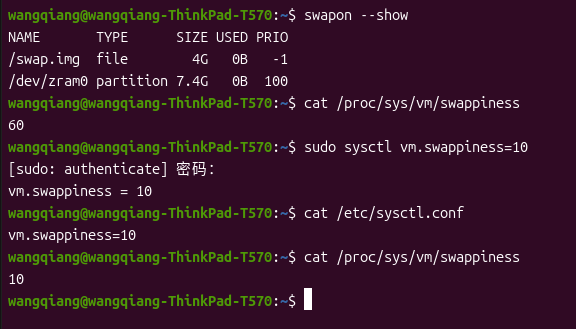
🧠 3. Firefox performance optimization
Key parameter adjustment:
about:config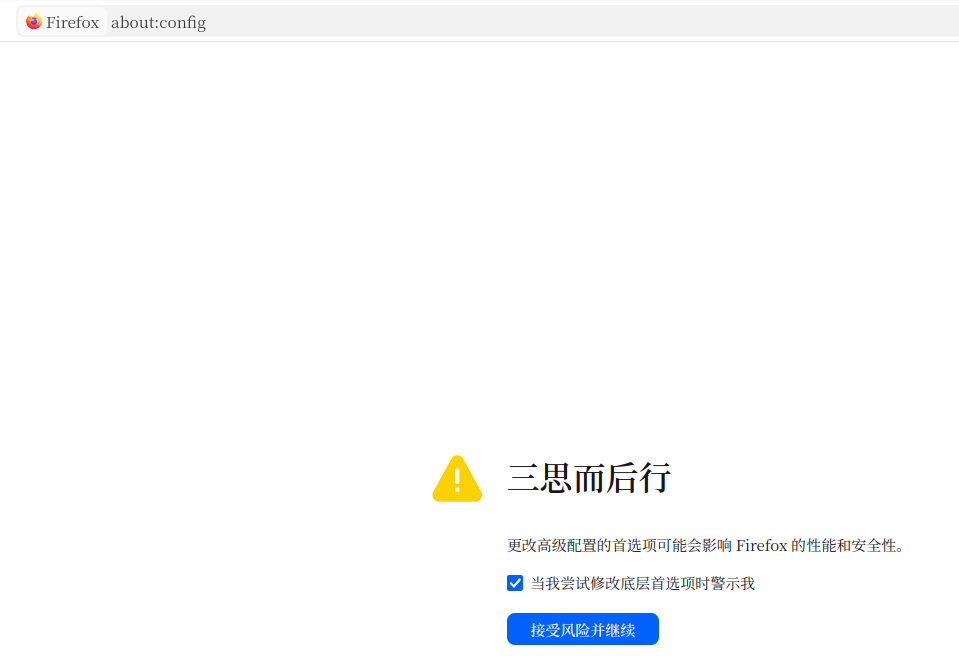
dom.ipc.processCount = 4
browser.sessionstore.interval = 30000
browser.tabs.unloadOnLowMemory = true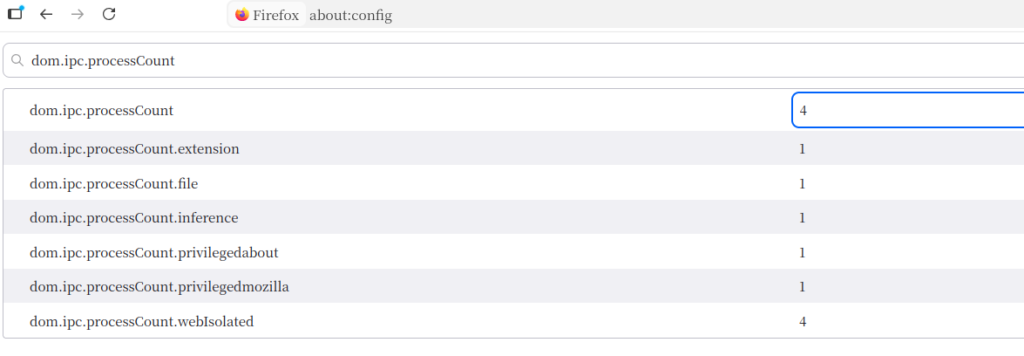
Optimization effect:
- Reduce multi-process usage
- Control Tab Memory Growth
- Reduce background write pressure
🌐 4. Clash Verge Optimization (Key Step)
⚡ Enable light weight mode (finally execute)
path:
Verge → 高级设置 → 轻量模式Also optimize:
- Log level: Info → warn
- Close flow chart
- Turn off the kernel usage display
Optimization effect:
- Memory usage from 500MB → 150~200MB
- The burden of UI rendering is greatly reduced
- The Electron resident process is significantly reduced
Reference:🚀 Clash Verge from 500MB to 200MB: Ubuntu VPN client lightweight optimization practice
🎨 5. GNOME Extension Check
Current extension:
- ubuntu-dock
- tiling-assistant
- Snapd Components
Conclusion:
Keep core extensions to avoid excessive UI plugins affecting performance
📊 5. Optimization results comparison
| Project | before optimization | after optimization |
|---|---|---|
| Clash Verge | 500MB+ | 150~200MB |
| firefox | Catton | stable operation |
| system response | Occasionally stuck | Stable and smooth |
| OOM risk | Exist | Significant decrease |
🧠 6. Summary of core optimization ideas
The core of this optimization is not a ‘single point adjustment’, but a three-layer structure optimization:
🧩 1. Memory structure optimization
- RAM + ZRAM + SWAP three-layer system
🧩 2. Application layer optimization
- Firefox restricts multiprocessing
- Clash Verge Lightweight Mode
🧩 3. System scheduling optimization
- swappiness reduced to 10
- Reduce SWAP interference
🚀 Seven, key experience summary
The root cause of the Linux desktop lag is often not ‘insufficient memory’, but ‘unreasonable memory scheduling policy + Electron application overlay load’.
📌 8. Applicable scenarios
This article applies to:
- Ubuntu 22.04 / 24.04 / 26.04
- GNOME Desktop Environment
- Clash Verge / Electron tool users
- Firefox heavy users
- Open VPN + browser parallel work scenarios for a long time
🎯 Nine, the conclusion
Through this optimization, the system enters a stable operation mode from the state of ‘occasional stuttering + memory fluctuation’.
The overall experience changes are very obvious:
🧠 From ‘Desktop Unstable’ → ‘Can be used for a long time’
Linux Server Deployment & Operations Consulting
I have extensive experience working with Ubuntu, Debian, Docker, Nginx, and cloud servers in production environments. This includes server deployment, website migration, performance tuning, and long-term maintenance.
Ideal For:
✅ Linux migration projects
✅ Website deployment
✅ Docker-based environments
✅ Nginx optimization
✅ Server performance tuning
What I Offer:
✅ Linux Environment Setup
✅ Website Migration & Deployment
✅ Docker Configuration & Maintenance
✅ Nginx Optimization
✅ Long-Term Technical Support
Please contact me and mention: Linux Operations Consultation.
Contact Me:
Telegram: @shuijingwan
WeChat: 13980074657
Email: shuijingwanwq@gmail.com
Leave a Reply