
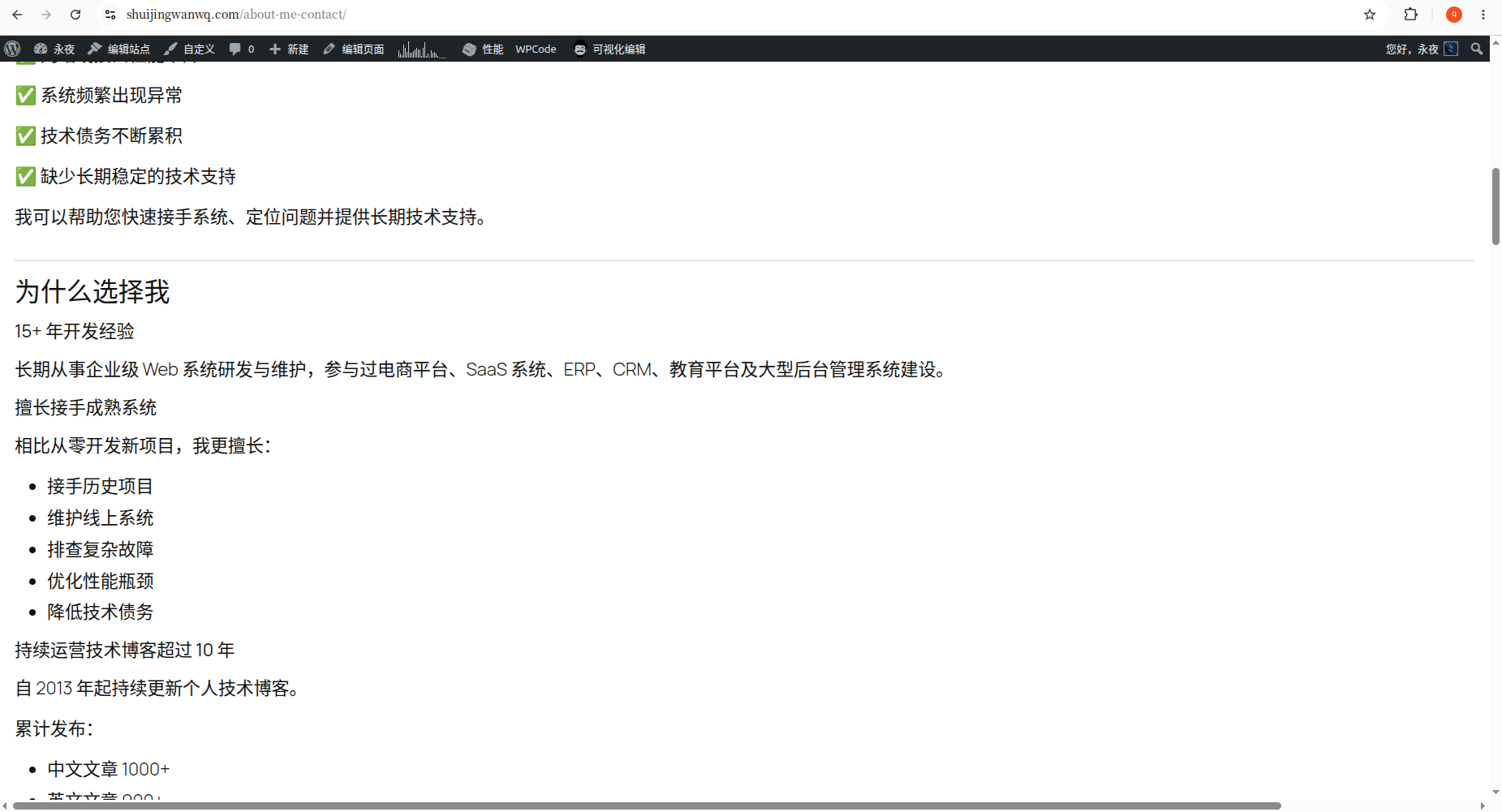

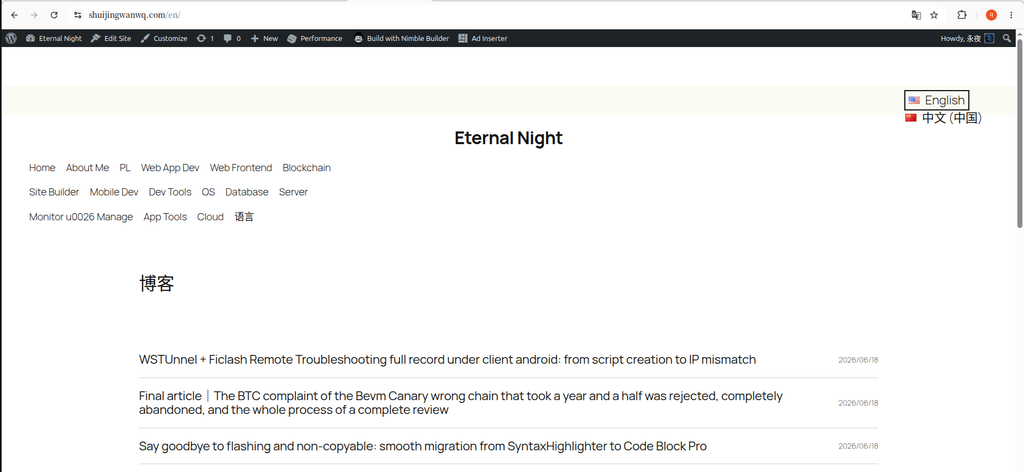
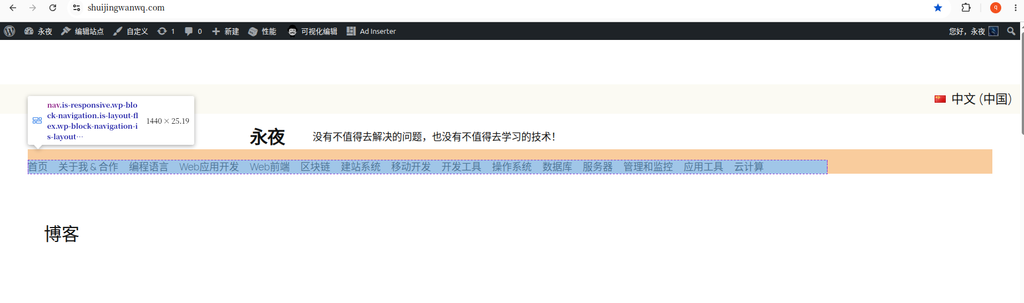
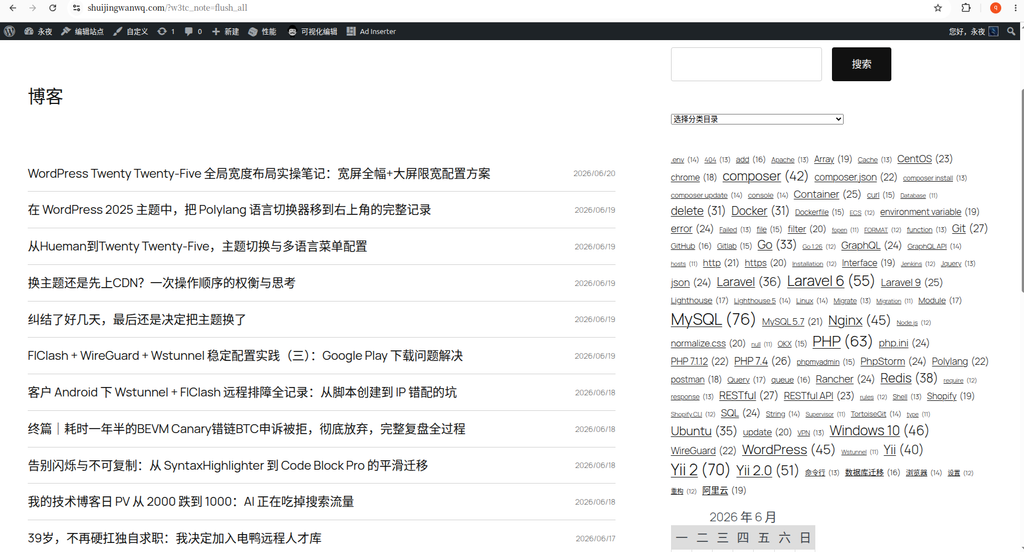
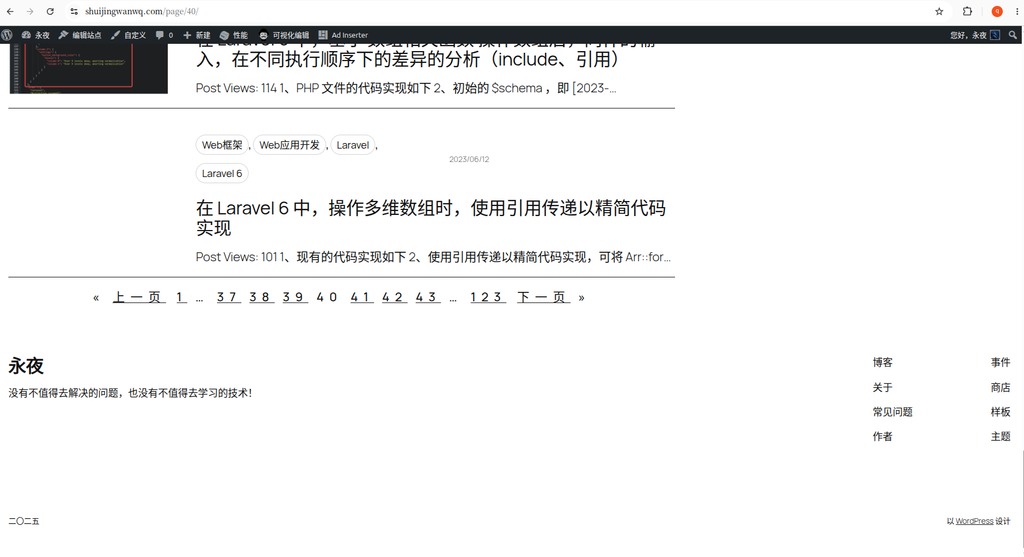
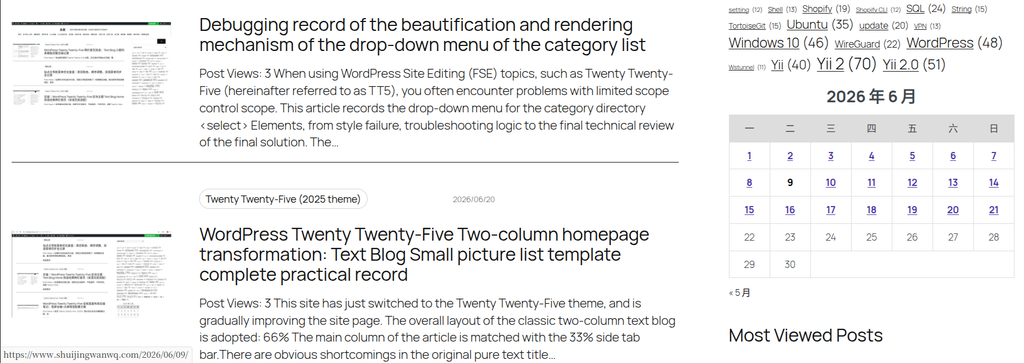
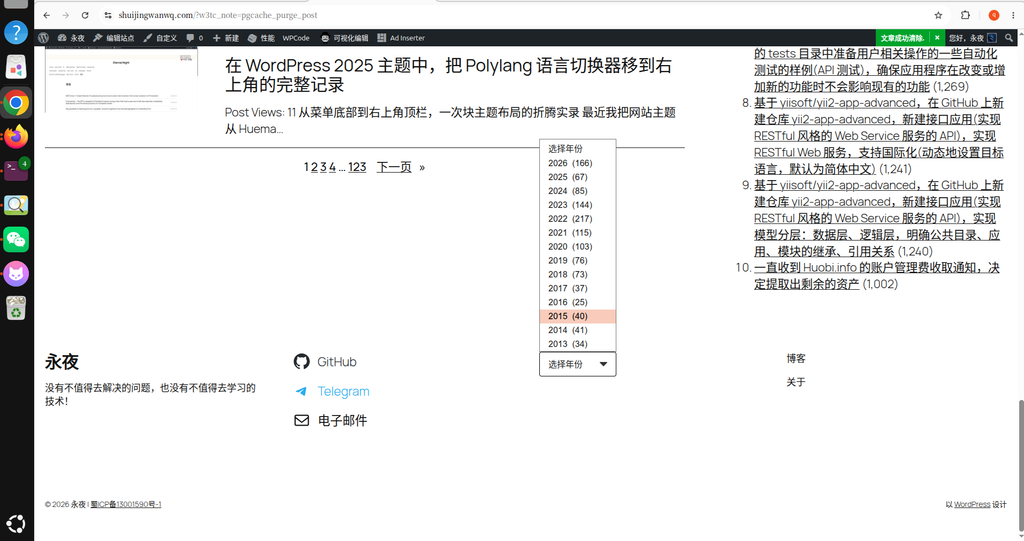
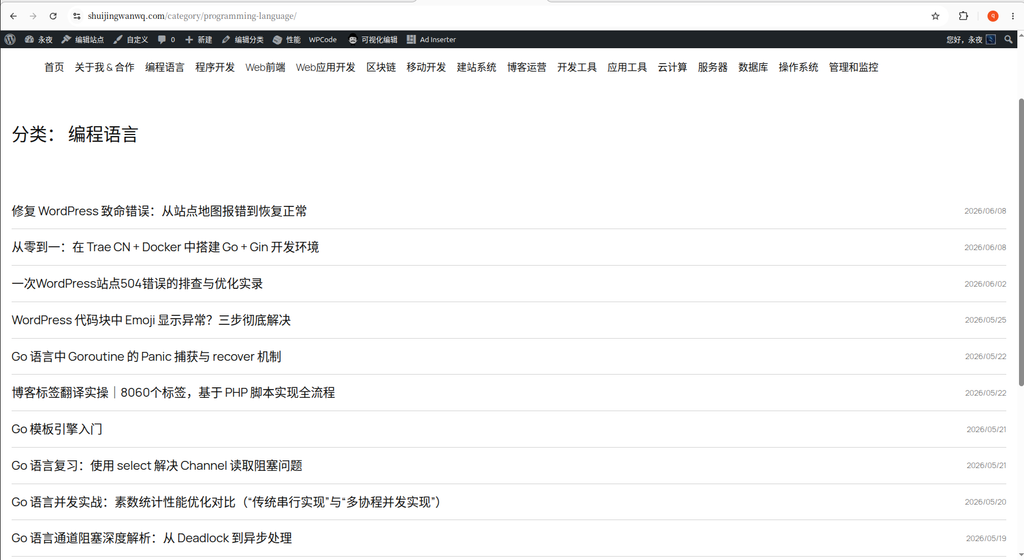
When I was sorting out the ‘About Me & Partner’ page of the blog recently, I found that the bottom of the page suddenly appearedHorizontal scroll bar.
At first, I thought there was a problem with CSS, but I finally found out that the real reason turned out to be ‘Full Width’ settings for the Gutenberg block.
This article records the complete investigation process, and I hope that when I encounter similar problems again in the future, I can quickly locate them.
problem
page:
https://www.shuijingwanwq.com/en/about-me-contact-2/
A horizontal scroll bar appears at the bottom of the PC browser.
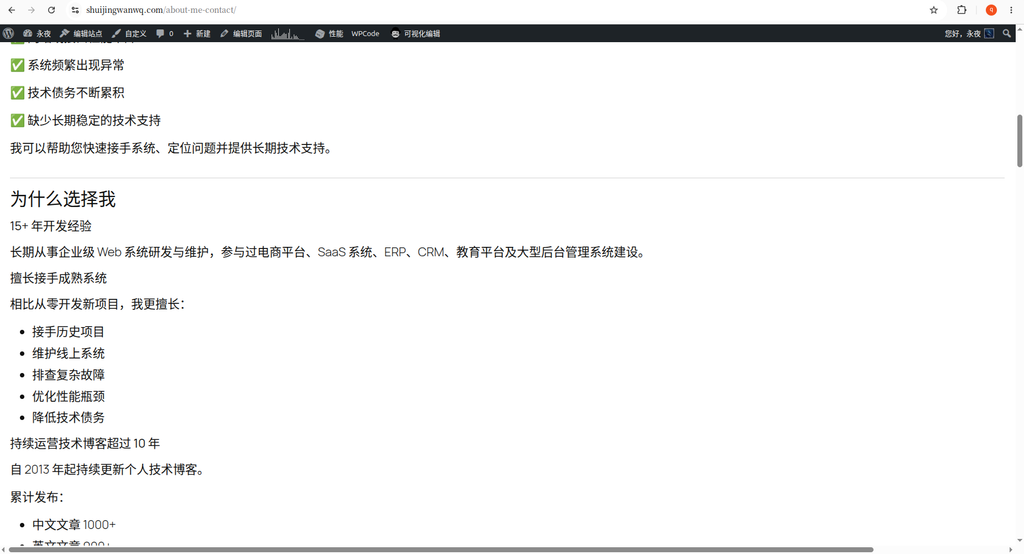
The content of the page itself does not have a particularly wide picture, and there is no table, so the first reaction is a bit strange.
Step 1: Positioning Who Broaden the Page
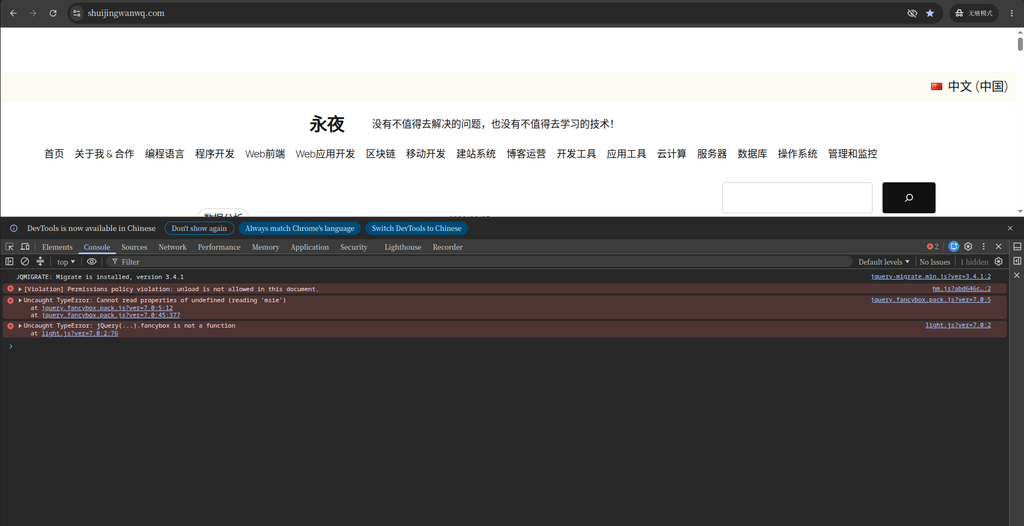
First open the browser developer tool (F12).
Console executes:
[...document.querySelectorAll('*')]
.filter(el => el.scrollWidth > document.documentElement.clientWidth)
.map(el => ({
    tag: el.tagName,
    class: el.className,
    id: el.id,
    width: el.scrollWidth
}))
The output is similar:
HTML
BODY
wp-site-blocks
MAIN
entry-content alignfull
The most important line here:
entry-content alignfull
The real ultra-wide is the entire body area, not a picture or a div.
Step 2: Doubt CSS
At first I doubted:
- Picture wide
- iframe
- table
- pre
- A plugin outputs a fixed width
Even if you are ready to write directly:
body{
    overflow-x:hidden;
}
But this just hides the problem and doesn’t really solve it.
Therefore, there is no continuing to modify to CSS.
Step 3: Check the page editor
Since the problem occurs in:
entry-content alignfull
Then it means that the problem is likely to come from Gutenberg.
Open the page editor.
View the outermost group.
find:
对齐:

全幅(Full Width)
So try to modify it to:
宽幅(Wide Width)
save.
Refresh the page.
The horizontal scroll bar disappears immediately.
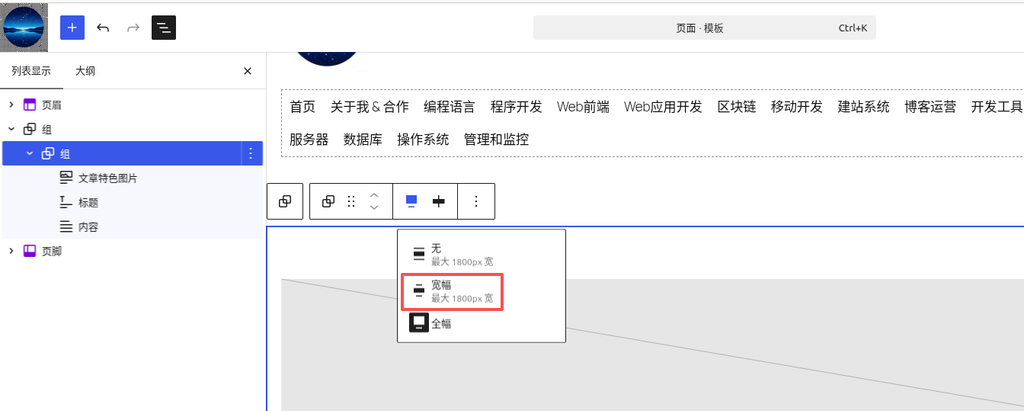
Ultimate reason
The real problem is not CSS.
but:
Group

Alignment

Full Width
Modified to:
Wide Width
back to normal afterwards.
Explain that there is a compatibility problem with the current theme (twenty twiny-five) and the current layout of my website. Under some pages, there is a compatibility problem with the calculation of full width.
Why can the console be positioned?
Because the executed js will find out:
scrollWidth > viewport
That is:
Which elements have actually exceeded the browser width.
If output:
img
Description The picture is super wide.
If output:
table
The description table is super wide.
If output:
pre
Description The code block is super wide.
And this output is:
entry-content alignfull
So quickly locked to the entire body container.
A set of checks I have summarized
Later, when I encounter a horizontal scroll bar in the WordPress page, I am going to check in the following order.
First step
console:
[...document.querySelectorAll('*')]
.filter(el => el.scrollWidth > document.documentElement.clientWidth)
Find out the really ultra-wide elements.
Second step
If it is:
img
table
iframe
pre
Check the corresponding content directly.
Third step
If it is:
entry-content

wp-block-group

alignfull
Priority check:
Group

Columns

Cover

Gallery
Is it set to:
Full Width
If not necessary, change to:
Wide Width
Retest again.
Fourth step
Finally, I considered modifying the CSS.
Don’t start with:
overflow-x:hidden;
Otherwise just cover up the problem and not really fix it.
This experience
The biggest gain this time is not to solve the horizontal scroll bar.
Instead, a set of checks that can be reused in the future is formed:
First use the browser developer tool to locate the ultra-wide element, then go back to the WordPress block editor to check the corresponding block, and finally consider CSS repair.
Compared with direct modification, this method is positioned faster and easier to find the real problem.
Technical Blog Growth & Monetization Consulting
I have been running my personal technology blog for more than 10 years and have published over 1,000 original articles covering WordPress optimization, multilingual websites, Google SEO, content strategy, and website monetization. All insights shared on this site come from real-world operation and long-term experimentation. If you are building a blog, developer website, SaaS project, or content-driven platform, I would be happy to share practical experience and optimization suggestions.
Ideal For:
✅ Technical bloggers
✅ Independent developers
✅ SaaS website owners
✅ Content creators seeking organic traffic growth
✅ Website owners interested in monetization opportunities
What I Offer:
✅ WordPress Performance Optimization
✅ SEO Consulting
✅ Multilingual Website Setup
✅ Ad Revenue Optimization
✅ Blog Growth & Monetization Consulting
If you would like to discuss your website, traffic growth strategy, or monetization opportunities, please contact me and mention: Blog Growth Consultation.
Contact Me:
Telegram: @shuijingwan
WeChat: 13980074657
Email: shuijingwanwq@gmail.com
Leave a Reply