

Recently, when adjusting the sidebar of the blog archive page, I encountered a seemingly simple but troubleshooting problem for a long time.
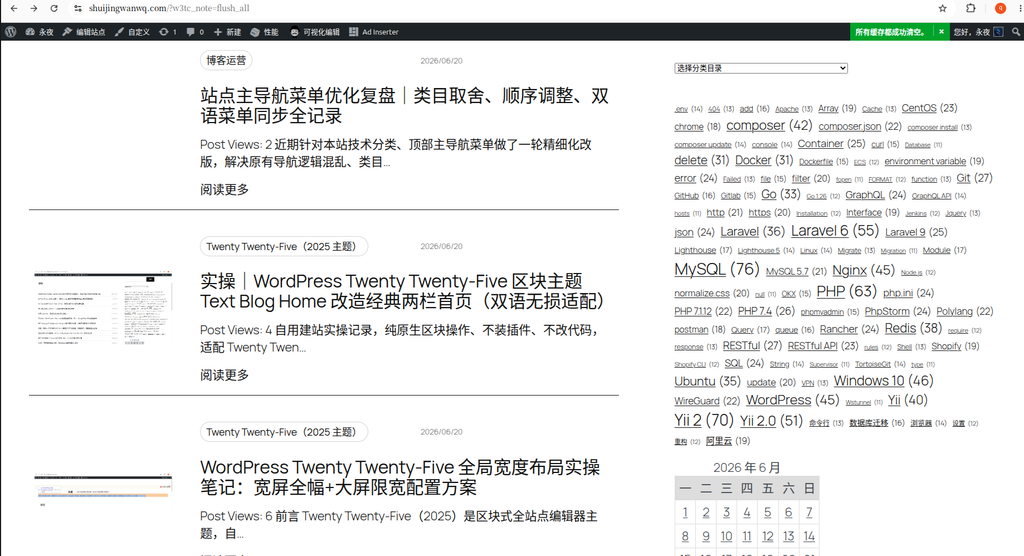
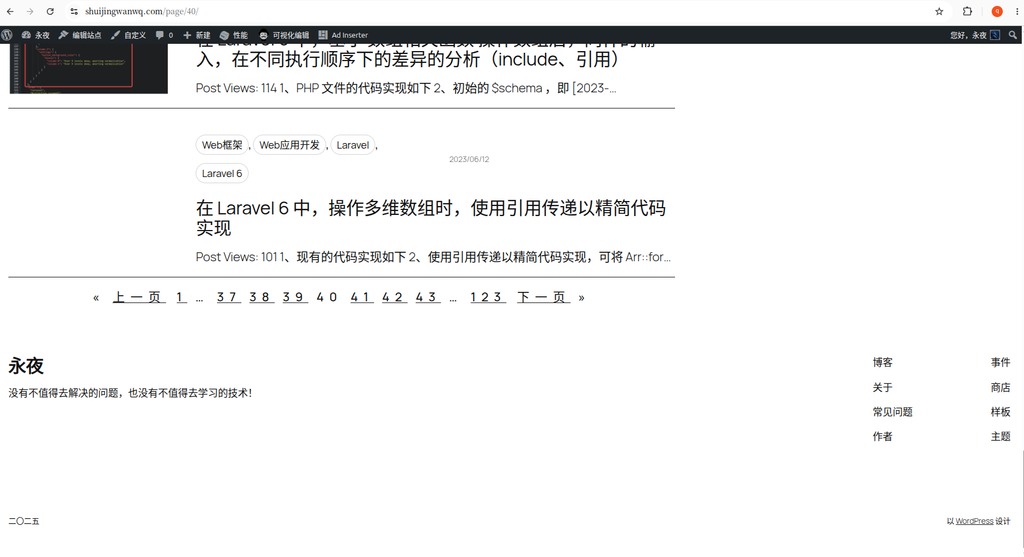
On the surface, it is a mobile-side horizontal scroll bar problem.
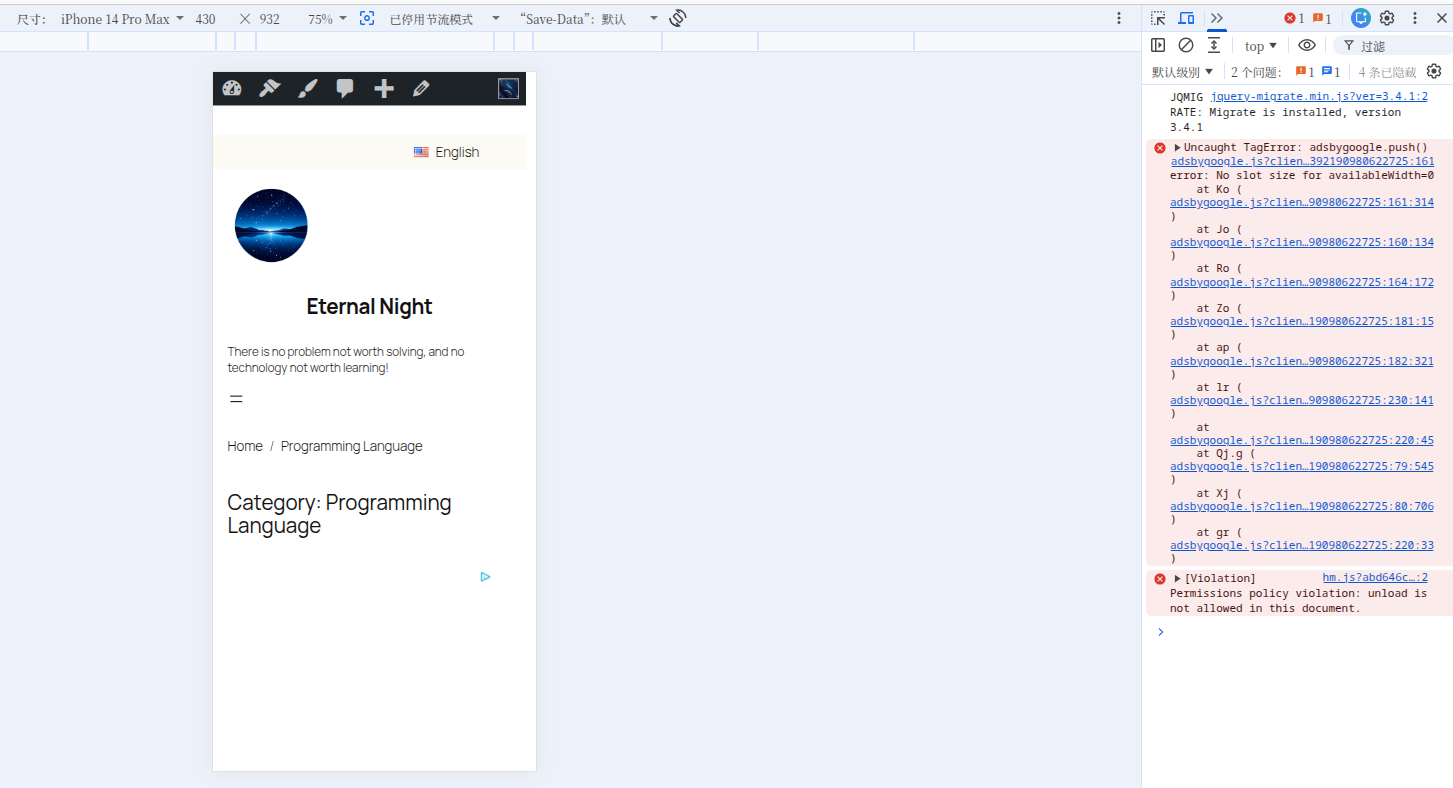
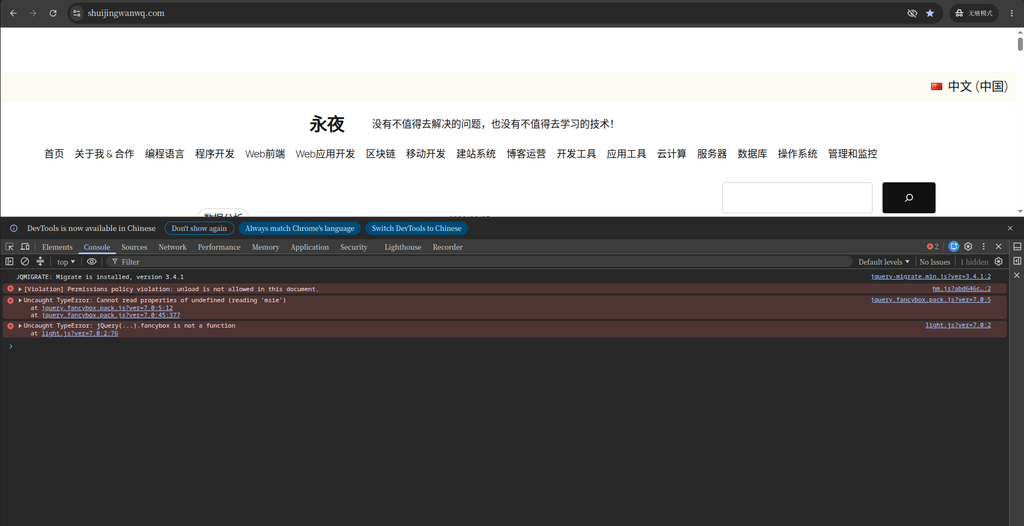
But after continuing the investigation, I found that Google AdSense’s error was also involved:
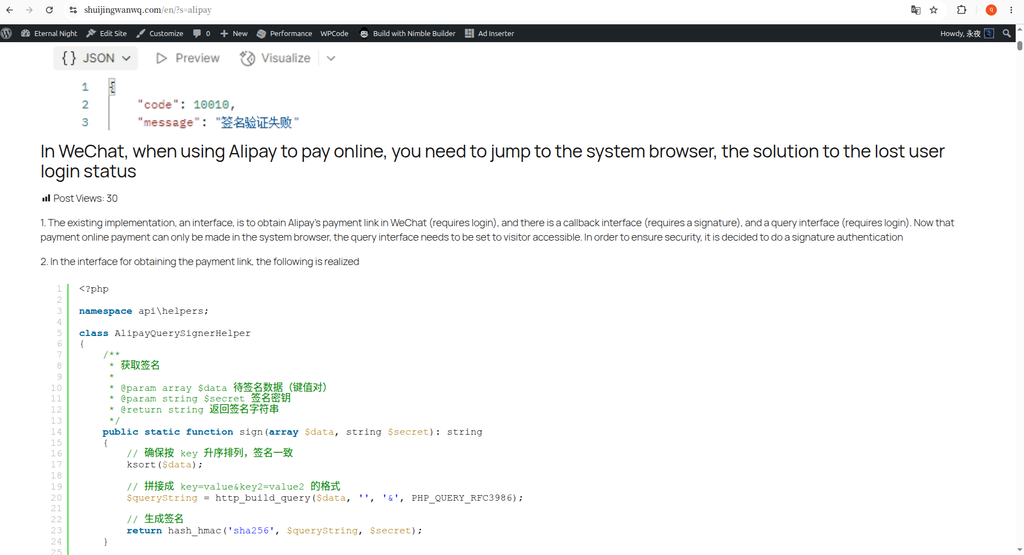
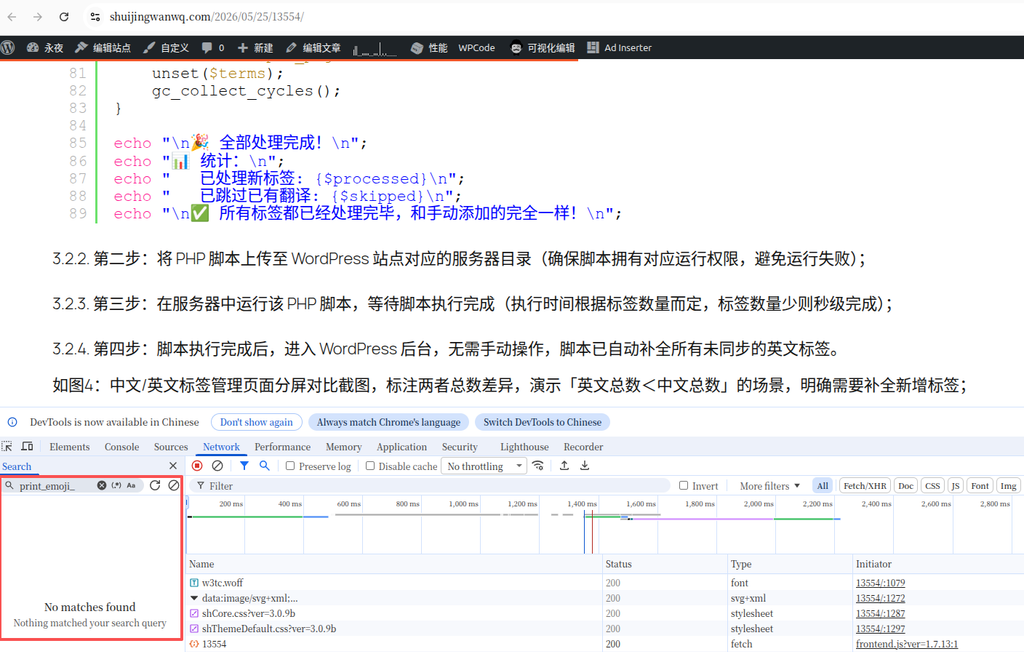
Uncaught TagError: adsbygoogle.push() error:
No slot size for availableWidth=0
More interesting is:
When I solve one of the problems, the other problem reappears.
The root cause of the problem is neither CSS nor AdSense, but the Gutenberg block structure.
problem background
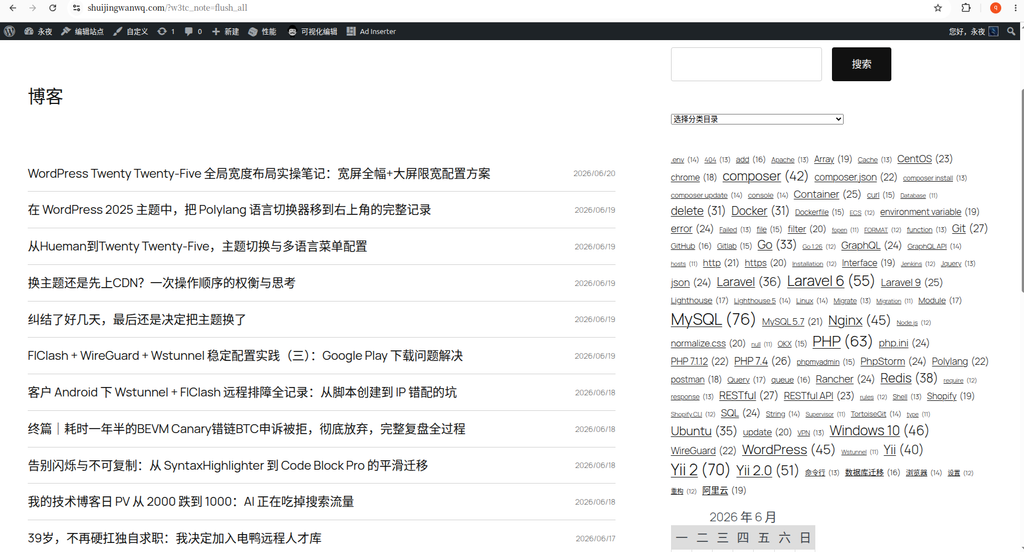
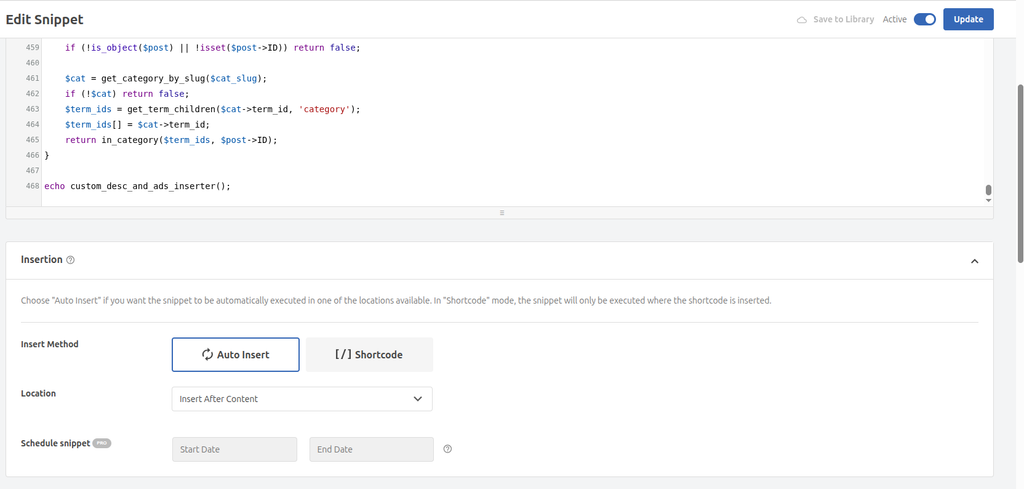
An AdSense ad slot is placed in the sidebar on the right side of the archive page.
The original ad code is as follows:
<ins class="adsbygoogle"
style="display:block; width:450px; max-width:100%;"
data-ad-client="ca-pub-xxxxxxxxxxxxxxxx"
data-ad-slot="4220340824"
data-ad-format="auto"
data-full-width-responsive="true"></ins>
<script>
(adsbygoogle = window.adsbygoogle || []).push({});
</script>
Why set up:
width:450px;
It’s because AdSense has always reported an error before:
No slot size for availableWidth=0
After adding a fixed width, the error disappears.
But a new problem arises.
Phase 1: A horizontal scroll bar appears on the mobile terminal
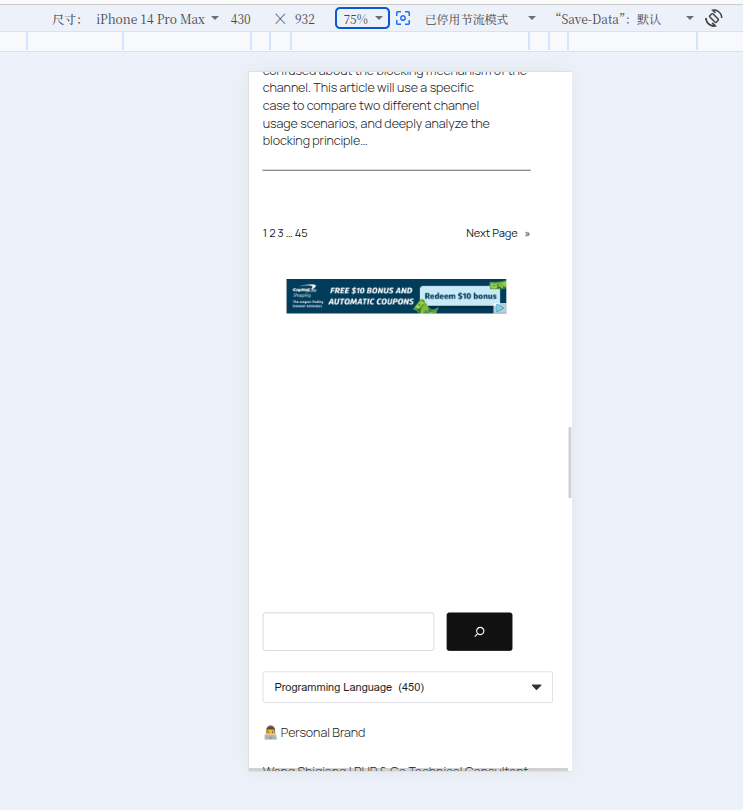
When testing on the mobile terminal, it is found that the right side of the page can be scrolled horizontally.
Initially doubt:
- Category drop-down box
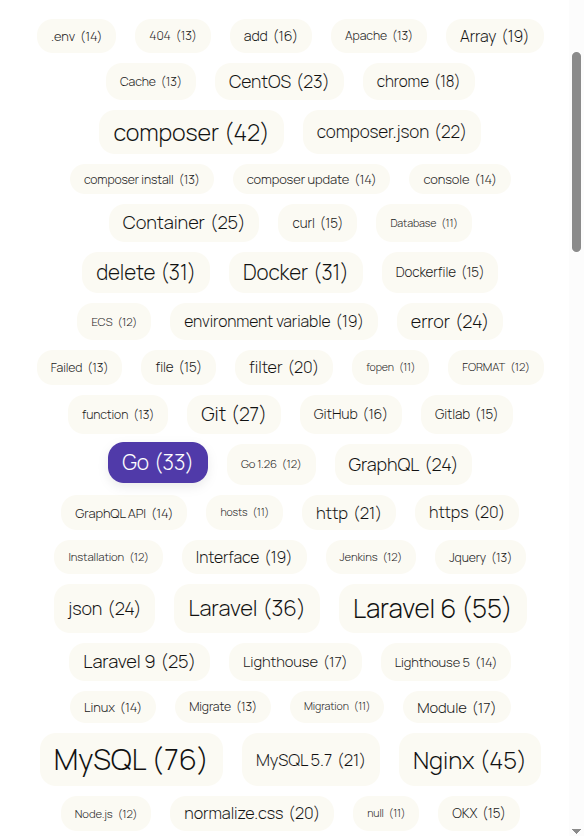
- tag cloud
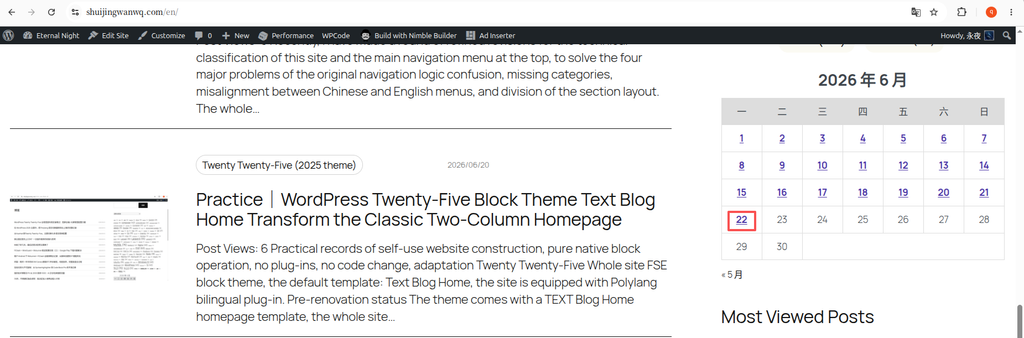
- Calendar
- Custom CSS
It is even suspected that it is a Twenty Twenty-Five theme.
To locate the problem, I do it in the browser console:
const vw = document.documentElement.clientWidth;
[...document.querySelectorAll('*')]
.filter(el => el.getBoundingClientRect().right > vw)
.map(el => ({
tag: el.tagName,
class: el.className,
width: Math.round(el.getBoundingClientRect().width)
}))
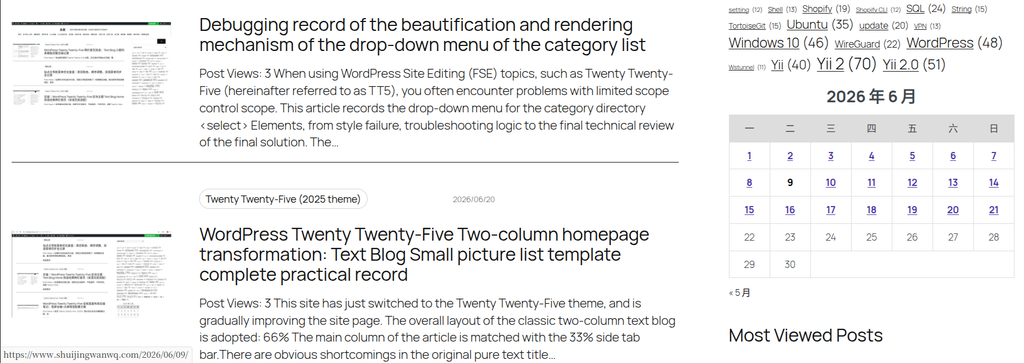
It turns out that the width of a large number of elements has become:
450px
Include:
- Advertising
- tag cloud
- Calendar
- sidebar content
After continuing to investigate, it is found that the culprit is in the advertisement:
width:450px;
Stage 2: Solve the horizontal scroll bar
So change the ad code to:
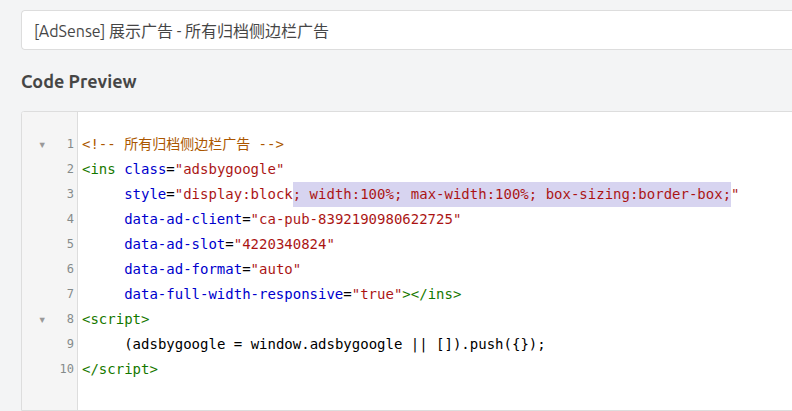
<ins class="adsbygoogle"
style="display:block; width:100%; max-width:100%; box-sizing:border-box;"
data-ad-client="ca-pub-xxxxxxxxxxxxxxxx"
data-ad-slot="4220340824"
data-ad-format="auto"
data-full-width-responsive="true"></ins>
After modification:
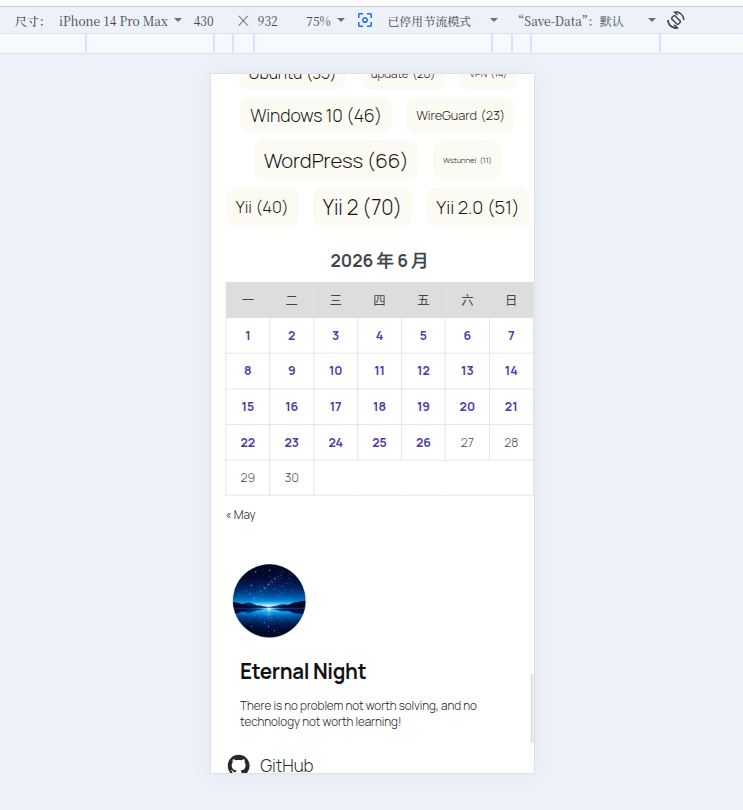
The mobile page is back to normal.
The horizontal scroll bar completely disappeared.
Stage 3: New problems arise
However, after the horizontal scroll bar disappeared.
The console reappeared the previous error:
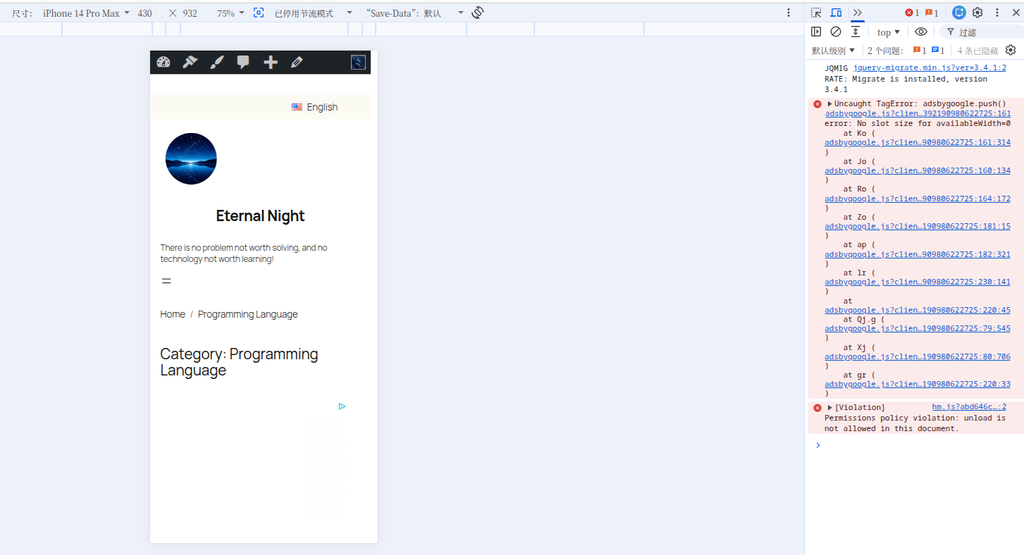
Uncaught TagError: adsbygoogle.push() error:
No slot size for availableWidth=0
That is:
width:450px
↓
AdSense 正常
↓
移动端异常

width:100%
↓
移动端正常
↓
AdSense 报错
The two problems can’t seem to be resolved at the same time.
Stage 4: Begin to doubt the Gutenberg block structure
At this point, start checking the archive page template structure.
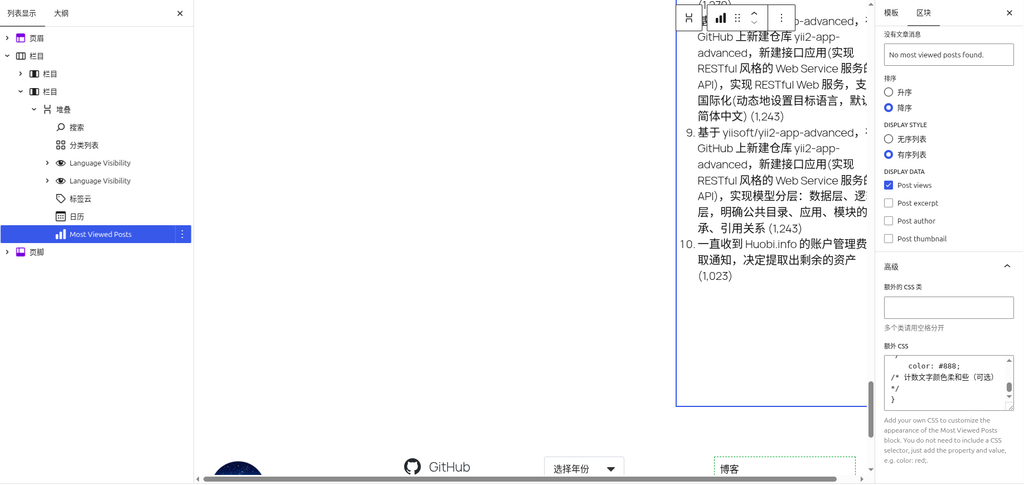
The original sidebar structure is as follows:
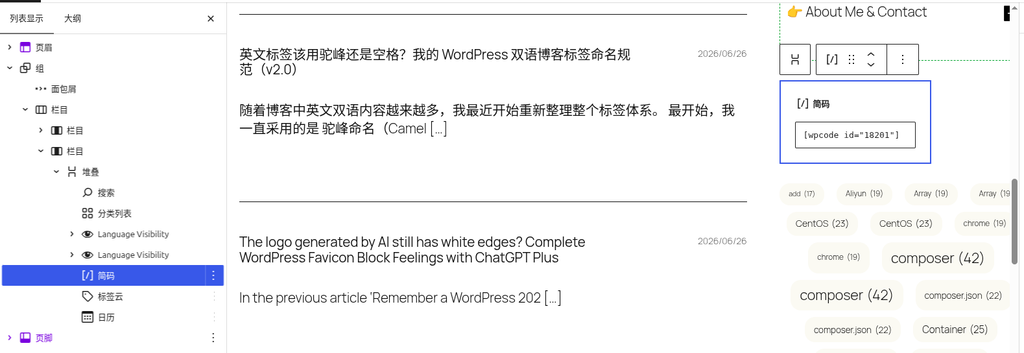
栏目
└── 栏目
    └── 堆叠(Stack)
        ├── 搜索
        ├── 分类列表
        ├── 广告(WPCode)
        ├── 标签云
        └── 日历
I have tried many options during this period:
- Modify Column width
- Adjust the sidebar scale
- Add Min-width to ads
- increase min-height
- Package ads with GROUP
- Use custom HTML blocks
- Delay execution adsbygoogle.push()
None of the problems were completely solved.
Final solution
Then try to:
堆叠(Stack)
Replace directly with:
组(Group)
The modified structure is as follows:
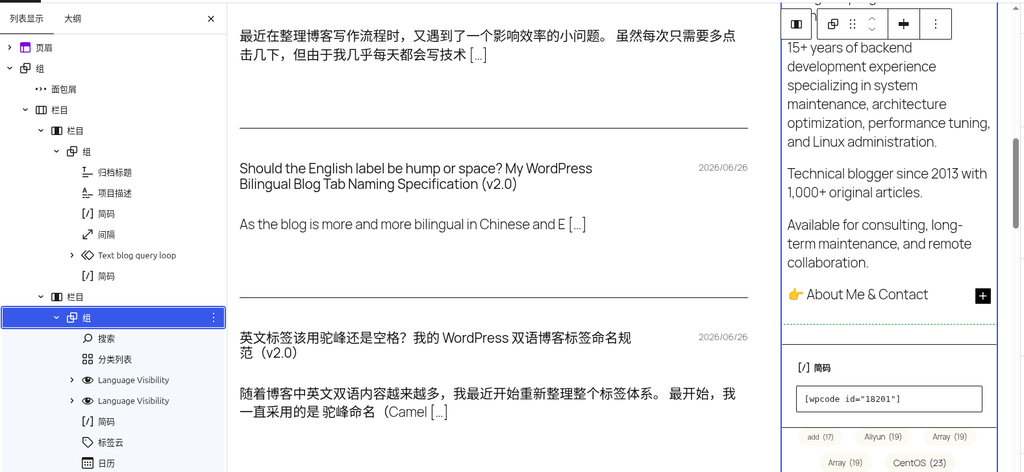
栏目
└── 栏目
    └── 组(Group)
        ├── 搜索
        ├── 分类列表
        ├── 广告(WPCode)
        ├── 标签云
        └── 日历
Refresh the page after saving.
The problem disappears directly.
Final outcome
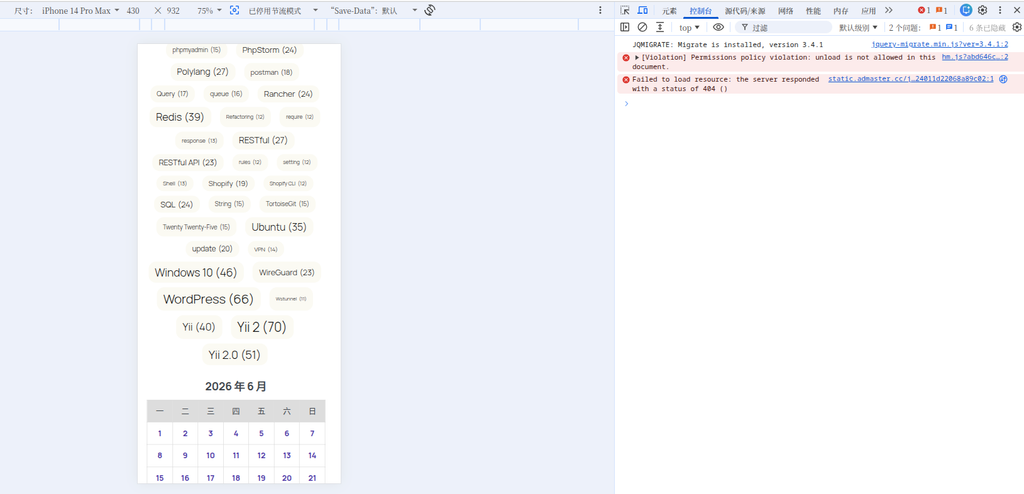
Eventually satisfy:
1. AdSense no longer reports an error
The console is back to normal:
No slot size for availableWidth=0
no longer appear.
2. The ad is displayed normally
No fixed width required:
width:100%;
max-width:100%;
can load normally.
3. There is no horizontal scroll bar on the mobile terminal
The page is back to normal.
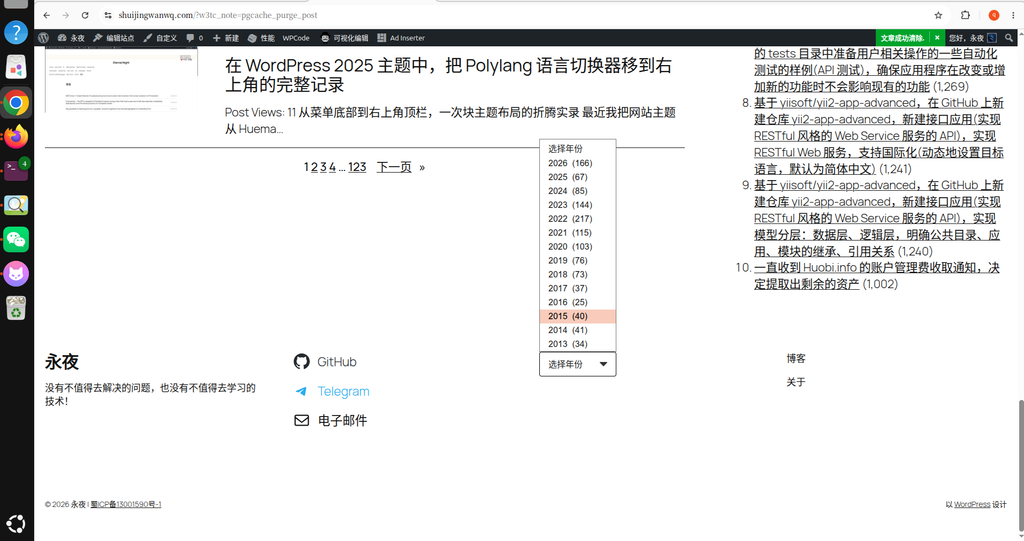
4. Sidebar layout restores nature
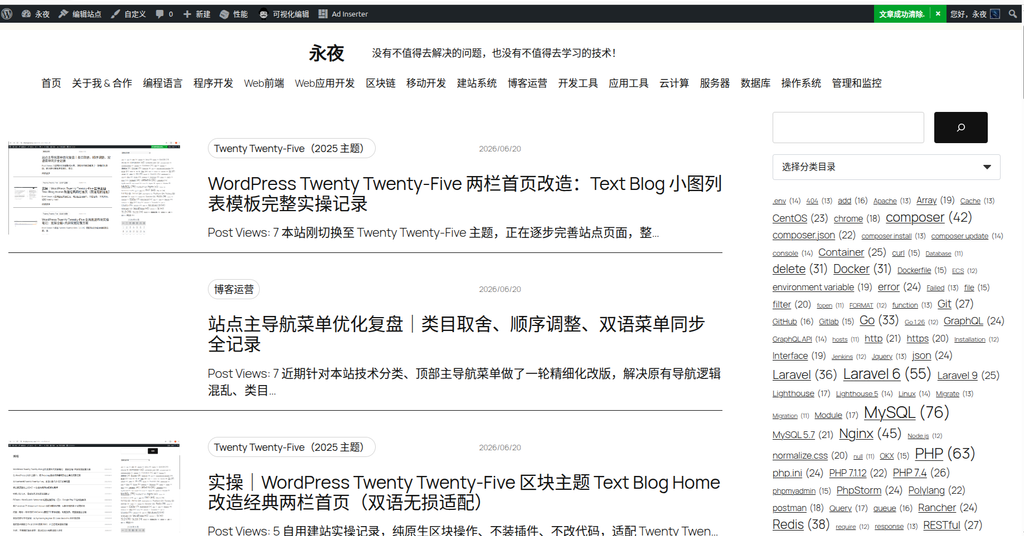
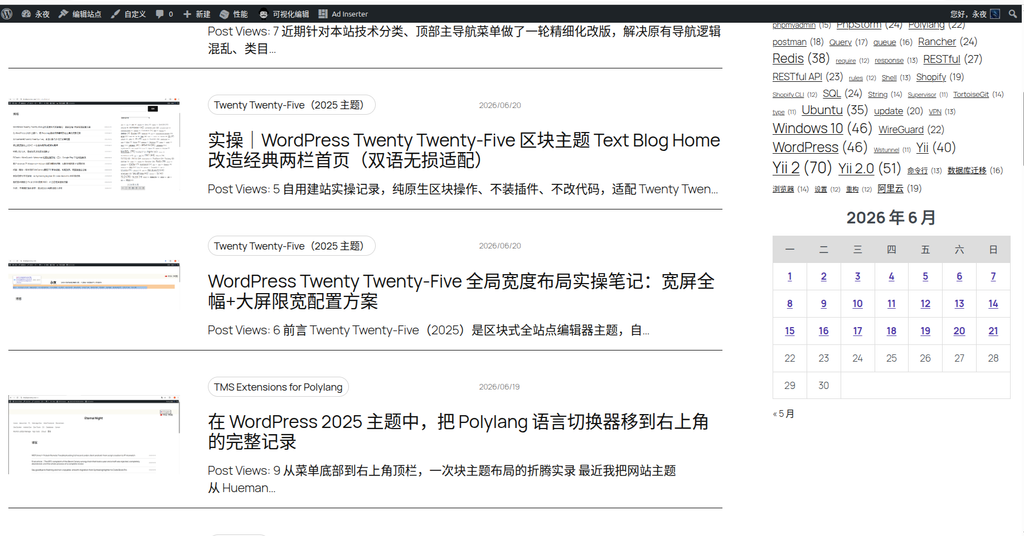
The right side of the calendar will be close to the edge of the screen.
After modification:
- Calendar display is normal
- Label cloud display is normal
- The entire sidebar spacing is back to normal
Cause analysis
Although the official WordPress document does not explicitly state the difference between the two.
But from the actual performance:
Stack(堆叠)
During the layout calculation phase, the width of the internal elements may not be finalized.
And AdSense’s:
(adsbygoogle = window.adsbygoogle || []).push({});
execute earlier.
So it appears:
广告初始化
↓
检测可用宽度
↓
availableWidth = 0
↓
抛出异常
And:
Group(组)
This problem will not occur.
Summary of this investigation
The entire investigation process actually goes through:
AdSense 报错
↓
添加 width:450px
↓
报错消失

移动端出现横向滚动条
↓
删除 width:450px
↓
横向滚动条消失

AdSense 再次报错
↓
排查 Gutenberg 结构
↓
Stack → Group
↓
问题彻底解决
The biggest gain this time is not to fix a bug, but to verify an experience again:
When there is an abnormality in the page layout, prioritize specific elements and block structures, and do not doubt CSS or write a lot of patch code from the beginning.
Many times, the real problem may just be a block type wrong choice.
Technical Blog Growth & Monetization Consulting
I have been running my personal technology blog for more than 10 years and have published over 1,000 original articles covering WordPress optimization, multilingual websites, Google SEO, content strategy, and website monetization. All insights shared on this site come from real-world operation and long-term experimentation. If you are building a blog, developer website, SaaS project, or content-driven platform, I would be happy to share practical experience and optimization suggestions.
Ideal For:
✅ Technical bloggers
✅ Independent developers
✅ SaaS website owners
✅ Content creators seeking organic traffic growth
✅ Website owners interested in monetization opportunities
What I Offer:
✅ WordPress Performance Optimization
✅ SEO Consulting
✅ Multilingual Website Setup
✅ Ad Revenue Optimization
✅ Blog Growth & Monetization Consulting
If you would like to discuss your website, traffic growth strategy, or monetization opportunities, please contact me and mention: Blog Growth Consultation.
Contact Me:
Telegram: @shuijingwan
WeChat: 13980074657
Email: shuijingwanwq@gmail.com
Leave a Reply